
사진으로 AI 실내 인테리어
거실, 침실, 주방, 욕실, 홈오피스, 다이닝룸 등 실내 공간을 사진으로 재디자인하세요.
- Best 화질 Planning Sheet + 가구 리스트 포함
- 하나의 계정 — 크레딧은 모든 디자인 도구에서 사용
방 사진 업로드
사진을 끌어다 놓거나
방 전체가 보이는 밝고 선명한 사진을 사용하세요. 가구 있음·빈 방 모두 가능합니다.
방 유형
디자인 스타일
이미지 탭으로 미리보기 · 이름 탭으로 선택
디자인 모드
출력 화질
AI 인테리어 디자인

 이전
이후 (Quick 미리보기 · Scandinavian Hygge)
이전
이후 (Quick 미리보기 · Scandinavian Hygge)

Try Sample Rooms
No photo handy? Pick a sample below to preview the tool.
생성 준비 완료
방 사진을 업로드하고 스타일을 선택하세요. Best 화질은 번호가 매겨진 가구 리스트가 포함된 3단 Planning Sheet를 제공합니다.
파티오, 전원 등은 마당·정원 생성기를 이용해 보세요.
공간별 리디자인
각 공간 전용 도구를 선택하세요 — 하나의 계정, 공유 크레딧.
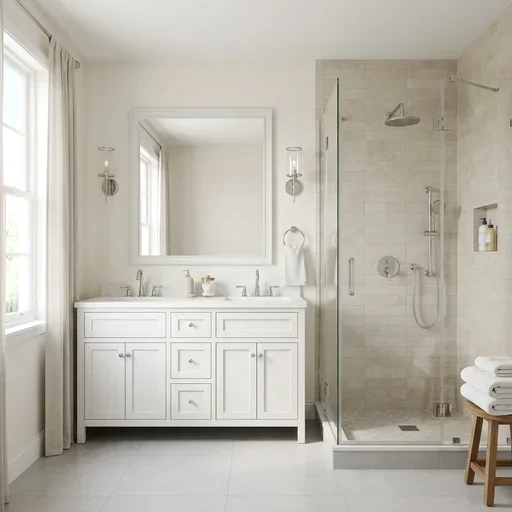
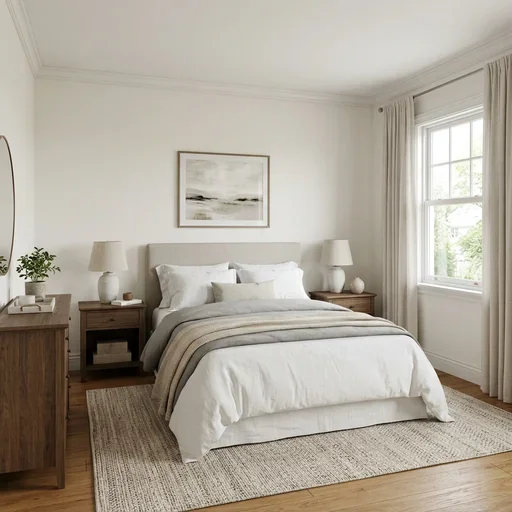
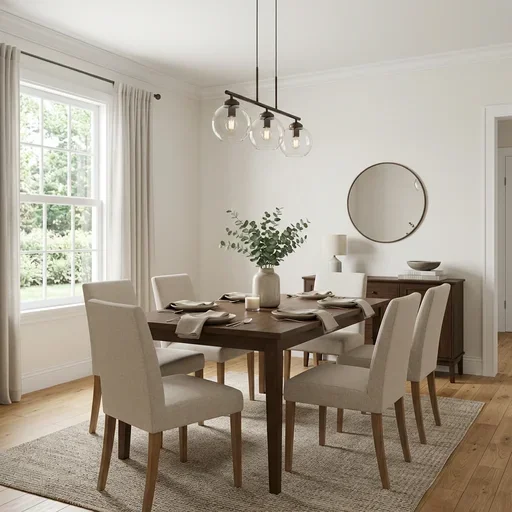
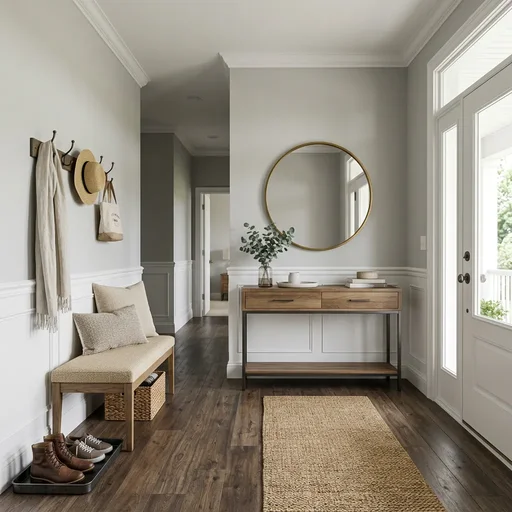
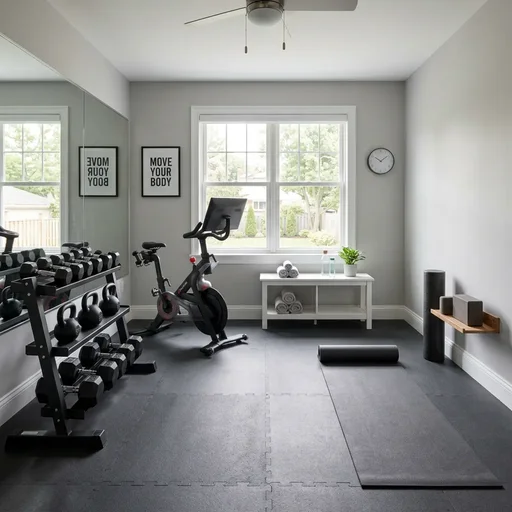
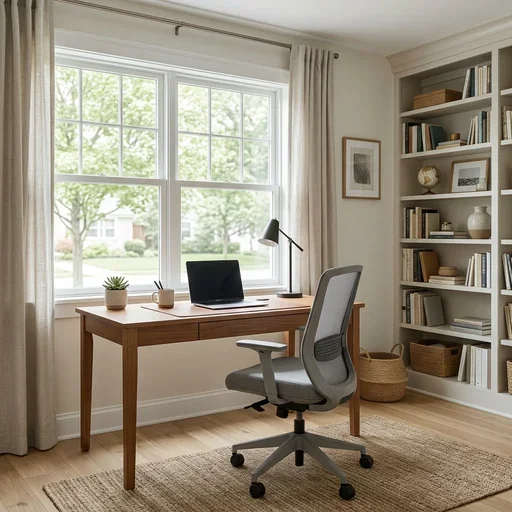
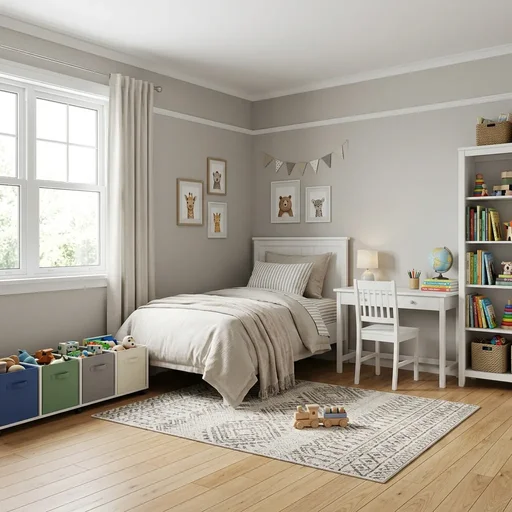
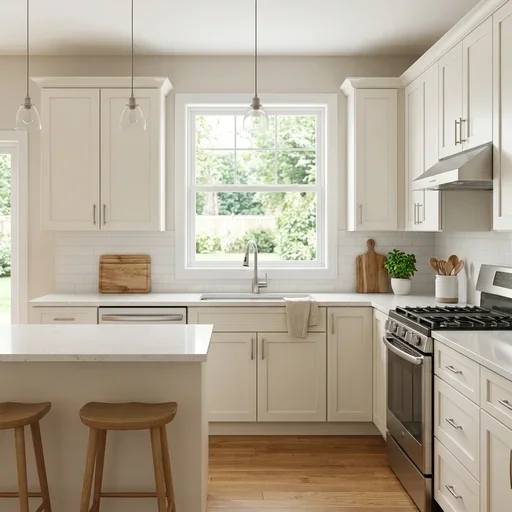
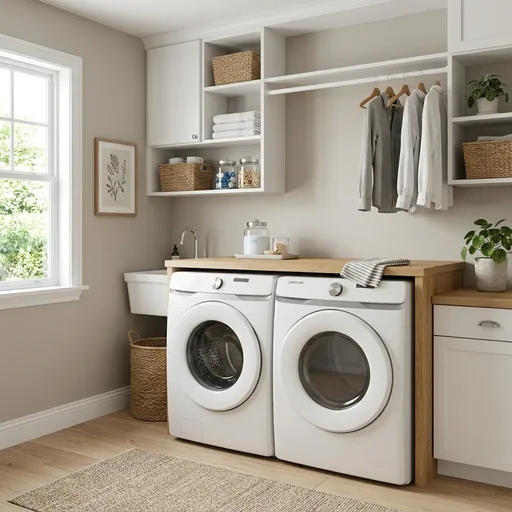
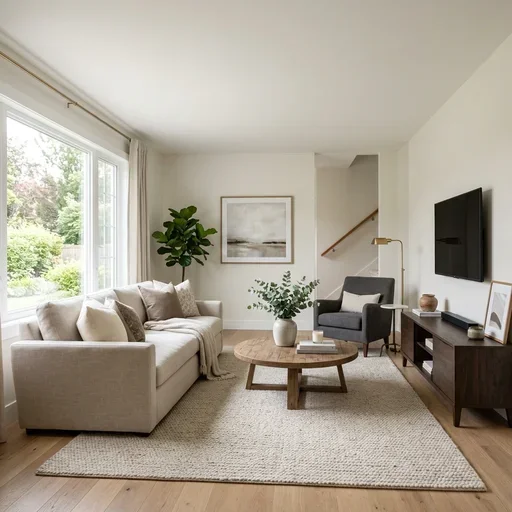
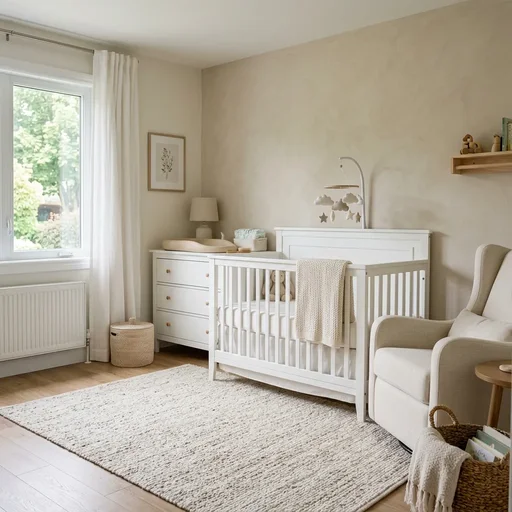
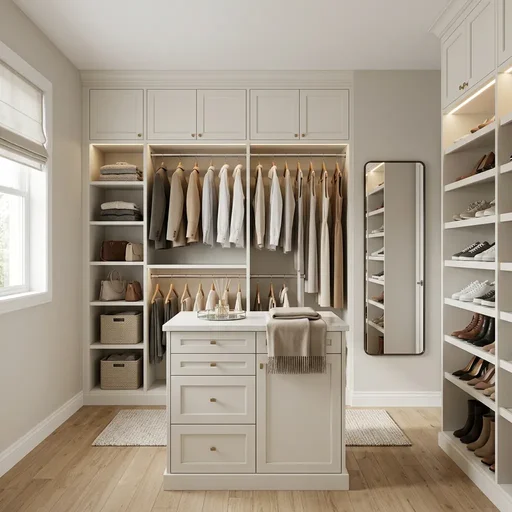
인테리어 디자인 도구 사용 방법
- 모든 방(거실, 침실, 주방, 욕실, 홈오피스, 다이닝룸) 사진 업로드.
- 스타일, 선택 가구 요소, 모드(전면 리디자인, 가상 스테이징, 표면 리프레시) 선택.
- 번호 가구 리스트가 있는 Planning Sheet는 Best 화질, 더 빠른 초안은 Quick 미리보기로 생성.
What rooms you can redesign
Use the room picker in the tool above, or choose a dedicated landing page — living room, bedroom, kitchen, bathroom, home office, dining room, nursery, laundry, entryway, walk-in closet, home gym, and kids room. Modes include full redesign, virtual staging for empty rooms, and surface refresh for quick updates.
FAQ
- 어떤 방을 지원하나요?
- 거실, 침실, 주방, 욕실, 홈오피스, 다이닝룸. 생성 전에 방 유형을 선택하세요.
- 방 레이아웃이 유지되나요?
- 예. AI가 벽, 창문, 문, 카메라 시점을 보존합니다. 가구, 마감, 데코는 스타일과 모드에 따라 변경됩니다.
- Planning Sheet란?
- Best 화질은 3단 시트: 깨끗한 디자인 사진, 번호 마커, 쇼핑·업체 상담용 가구·자재 리스트.
- 마당 생성기와 같나요?
- 아닙니다. 실내 전용 도구입니다. 야외, 파티오, 정원은 주거용 마당 생성기를 이용하세요.
- Is this AI interior tool free to try?
- You can explore the interface without an account. Running a generation requires sign-in and credits; new accounts receive free credits to try.
- What kind of photo should I upload?
- Use a clear, well-lit photo showing the full room. JPG, PNG, or HEIC up to 20MB. Furnished or empty rooms both work.
- What is the difference between Quick preview and Best quality?
- Best quality (default) delivers a photorealistic redesign plus a printable materials and finishes spec sheet — 2 credits at 1K, 3 at 2K, 4 at 4K. Quick preview (1 credit) is a faster draft without the spec sheet. The generate button shows the cost for your current settings.