
AI Interior Design from Your Photo
Redesign any indoor room from a photo — living room, bedroom, kitchen, bathroom, nursery, laundry, entryway, closet, home gym, kids room, and more.
- Best quality includes design photo + printable spec sheet
- One account — credits work across all design tools
Upload Room Photo
Drag & drop your photo here or
Use a clear, well-lit photo showing the full room. Furnished or empty rooms both work.
Room Type
Design Style
Tap image to preview · tap name to select
Design Mode
Quality
Your AI Interior Design

 Before
After (Quick preview · Scandinavian Hygge)
Before
After (Quick preview · Scandinavian Hygge)

Try Sample Rooms
No photo handy? Pick a sample below to preview the tool.
Ready to Generate
Upload your photo or try a sample room below
Try our yard & garden generator for patios, front yards, and more.
Redesign by room
Pick a dedicated tool for each room type — same account and credits across all interior tools.
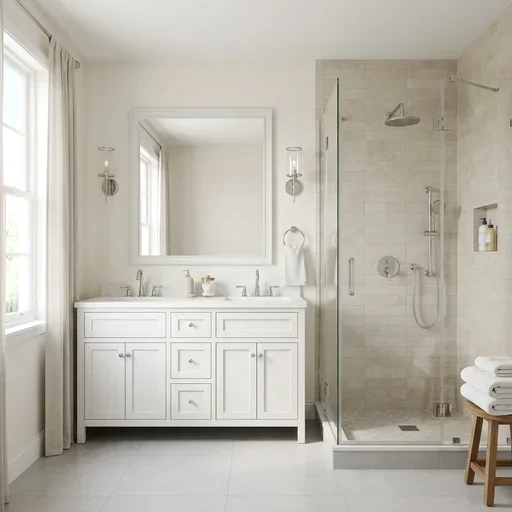
AI Bathroom Design
Start design →
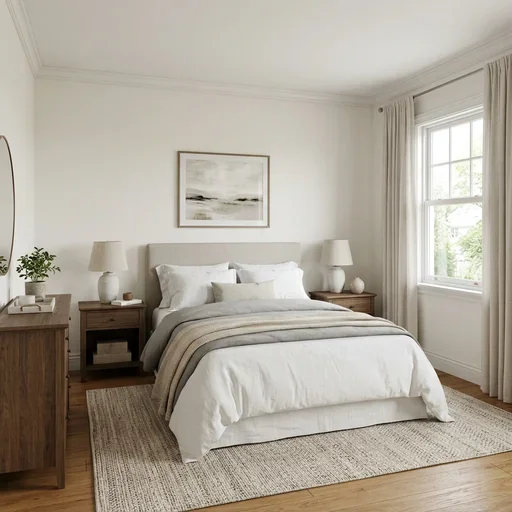
AI Bedroom Design
Start design →
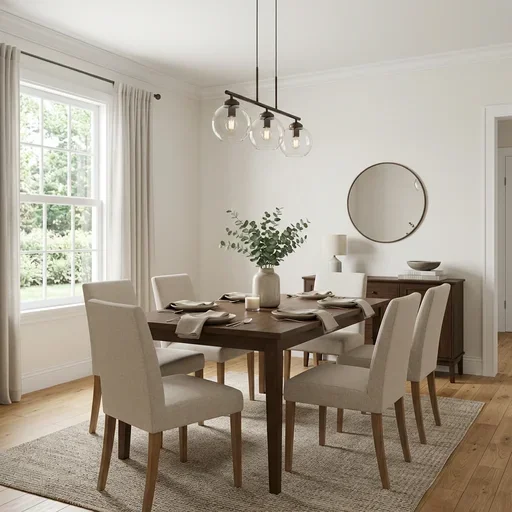
AI Dining Room Design
Start design →
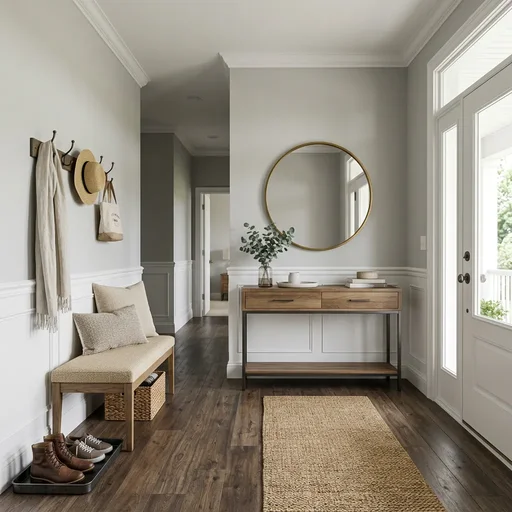
AI Entryway Design
Start design →
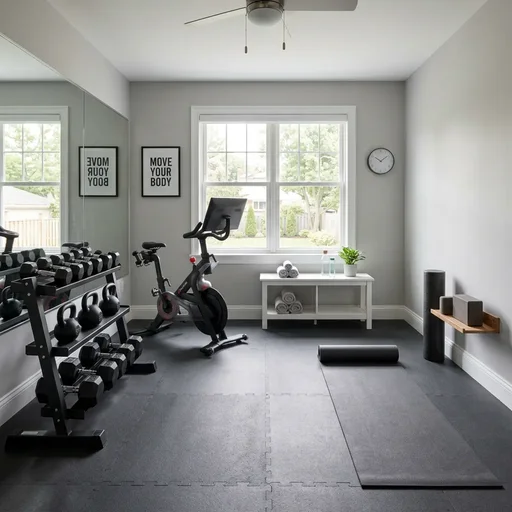
AI Home Gym Design
Start design →
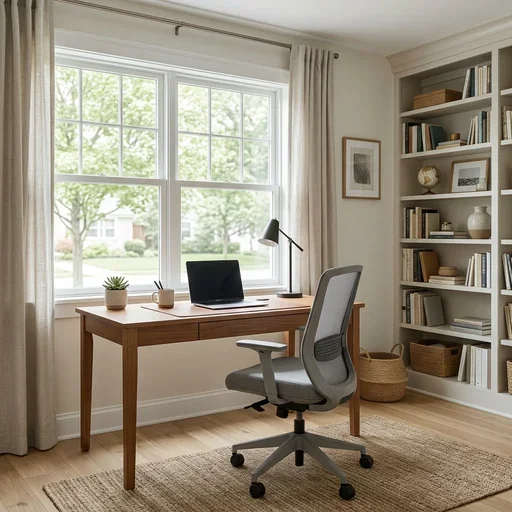
AI Home Office Design
Start design →
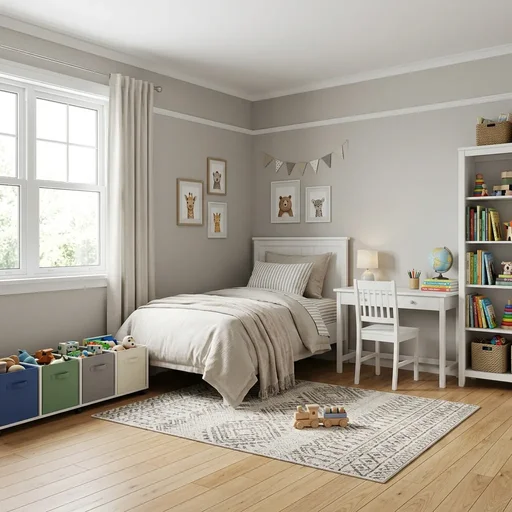
AI Kids Room Design
Start design →
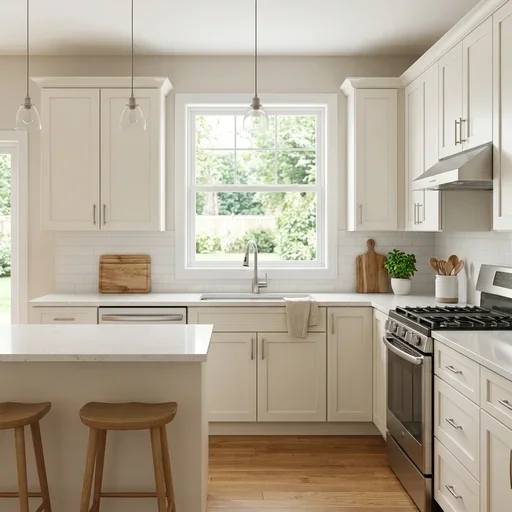
AI Kitchen Design
Start design →
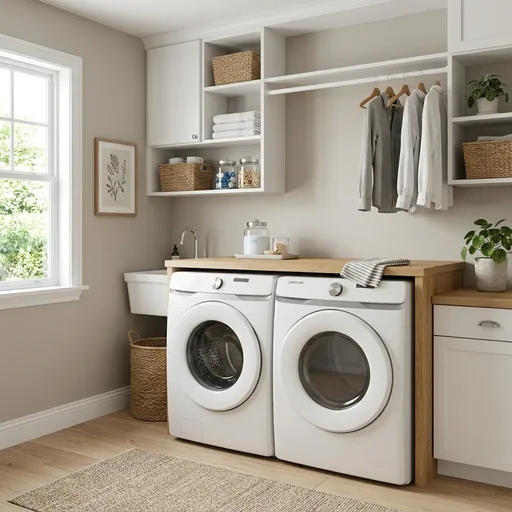
AI Laundry Room Design
Start design →
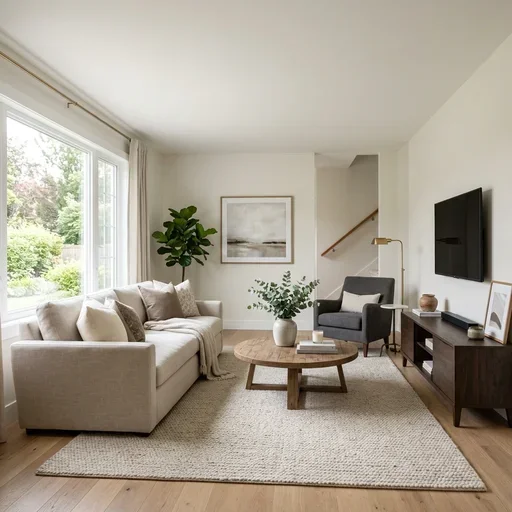
AI Living Room Design
Start design →
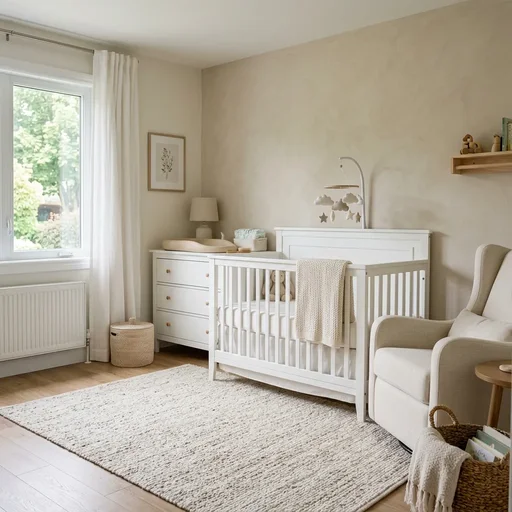
AI Nursery Design
Start design →
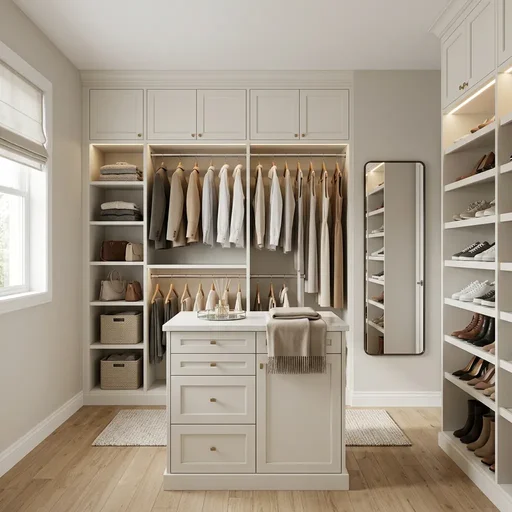
AI Walk-in Closet Design
Start design →
How this interior design tool works
- Upload a photo of any room (living room, bedroom, kitchen, bathroom, nursery, laundry, entryway, closet, home gym, kids room, and more).
- Choose a style, optional furnishing elements, and a mode (full redesign, virtual staging, or surface refresh).
- Generate with Best quality for a design photo plus spec sheet, or Quick preview for a faster draft.
What rooms you can redesign
Use the room picker in the tool above, or choose a dedicated landing page — living room, bedroom, kitchen, bathroom, home office, dining room, nursery, laundry, entryway, walk-in closet, home gym, and kids room. Modes include full redesign, virtual staging for empty rooms, and surface refresh for quick updates.
FAQ
- What rooms are supported?
- Living room, bedroom, kitchen, bathroom, home office, dining room, nursery, laundry room, entryway, walk-in closet, home gym, and kids room. Pick the room type before generating.
- Does it keep my room layout?
- Yes. The AI preserves walls, windows, doors, and camera perspective. Furniture, finishes, and decor change according to your style and mode.
- What is the spec sheet?
- Best quality delivers your redesign photo plus a printable list of materials, finishes, lighting, and textiles — useful for shopping or contractor discussions. No numbered markers on the photo.
- Is this the same as the yard generator?
- No. This tool is for indoor rooms. For outdoor yards, patios, and gardens, use the residential yard generator.
- Is this AI interior tool free to try?
- You can explore the interface without an account. Running a generation requires sign-in and credits; new accounts receive free credits to try.
- What kind of photo should I upload?
- Use a clear, well-lit photo showing the full room. JPG, PNG, or HEIC up to 20MB. Furnished or empty rooms both work.
- What is the difference between Quick preview and Best quality?
- Best quality (default) delivers a photorealistic redesign plus a printable materials and finishes spec sheet — 2 credits at 1K, 3 at 2K, 4 at 4K. Quick preview (1 credit) is a faster draft without the spec sheet. The generate button shows the cost for your current settings.