
Wide backyard photo
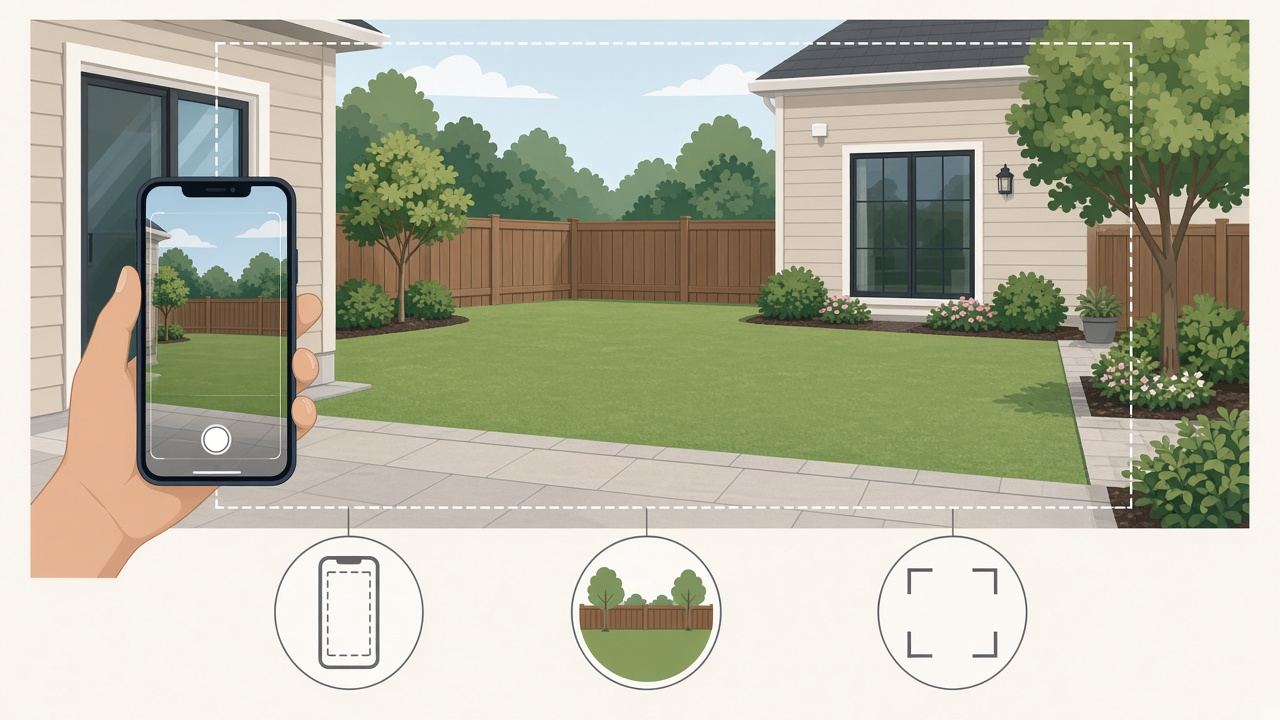
Shoot from the patio door or deck—fence, lawn, and back of the house in frame. Daylight phone photos work.
Weekend DIY: test dining, fire pit, or play on your yard before pavers, furniture, or nursery runs.
Pick a function above · Best → Planning Sheet & DIY list · Quick facts Upload below, choose function, add your city, then Generate.
Shoot from the patio door or deck: show fence lines, lawn or paving, and the back of the house in one wide shot. Daylight phone photos work. For patio-only refreshes, try the Patio tool.
Drag & drop your photo here or
JPG, PNG or HEIC • Max 20MB • PDF not supported
One primary city or region works best. We use it for climate-appropriate plants and your DIY list language—shown as a climate zone, not a place name.
Quality
Sharper renders with three cards: clean design, item markers, and a localized DIY plan list (plants, paths, water features, edging). 2K/4K helps legibility; may take longer.
Transformation level
How much should the AI change your yard? House and camera angle stay the same.
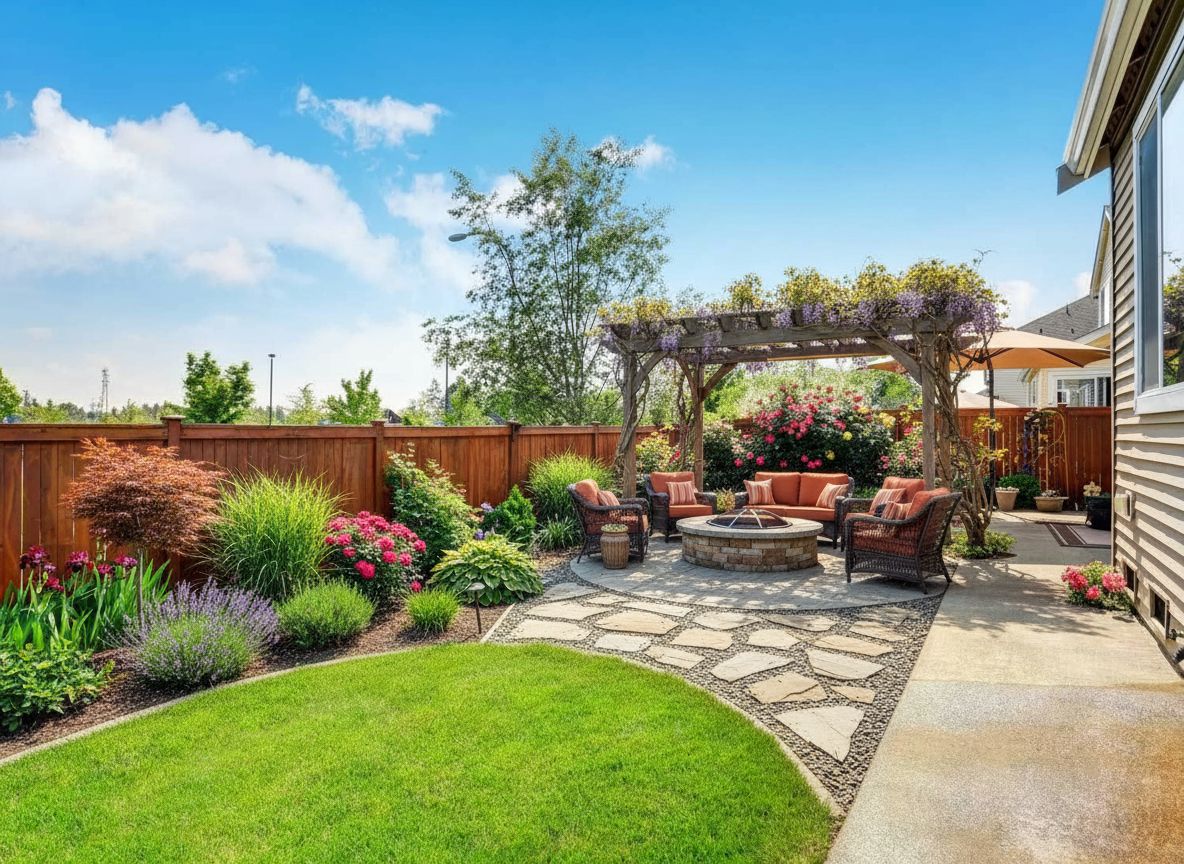
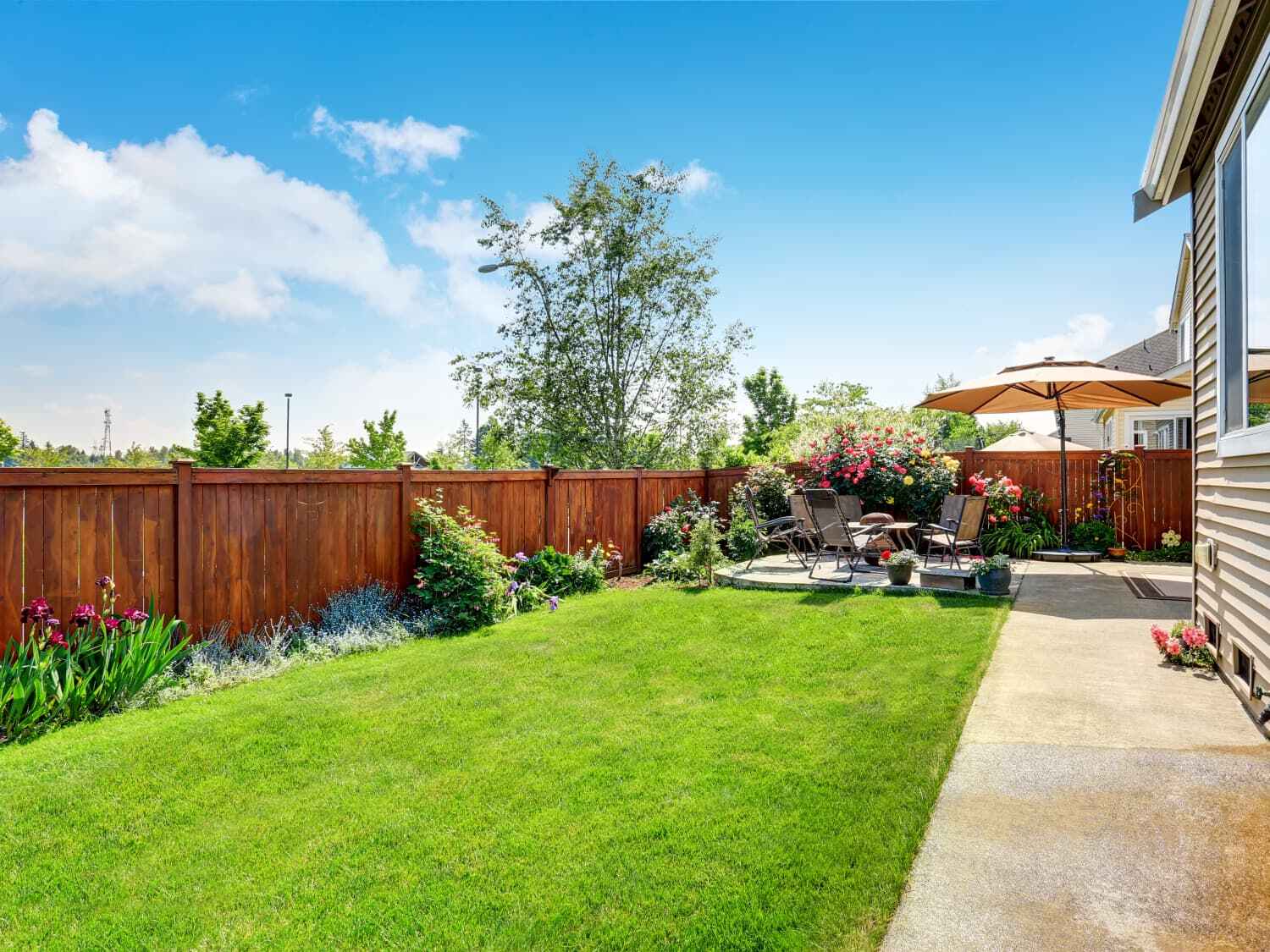 Before
After (Quick preview · FirePit & Gathering)
No photo handy? Pick a sample below to preview the tool.
Upload your photo or try a sample image below
Try our AI Interior Design tool for living rooms, bedrooms, kitchens, and more.
| Fact | For DIY backyards |
|---|---|
| Best for | Outdoor dining, fire pit, play, pets, lounge—whole-yard zones |
| Photo | Wide shot from door/deck with fence + yard + house back |
| Best quality | Planning Sheet + numbered DIY list (add city for climate-fit names) |
| Quick preview | 1 credit—compare functions before you spend |
| Not this tool | Patio outdoor room → Patio; raised deck → Deck; pool surround → Pool & Spa |
This backyard generator is function-first for DIY homeowners: upload one wide photo from the patio door or deck and get layouts for outdoor dining, fire pit gatherings, play, pets, relaxation, and more—while keeping typical fence lines and existing slabs in place. Quick preview (1 credit) compares functions fast; Best quality (2+ credits) adds a 3-part Planning Sheet with numbered plants and a localized DIY list. Add your city for climate-fit names. Sign in for 2 free credits. Not for ground patio-only rooms (Patio), raised decks (Deck), or pool surrounds (Pool & Spa)—and not permit or gas-line documents.
Pick the story closest to yours—then jump back to the tool above.
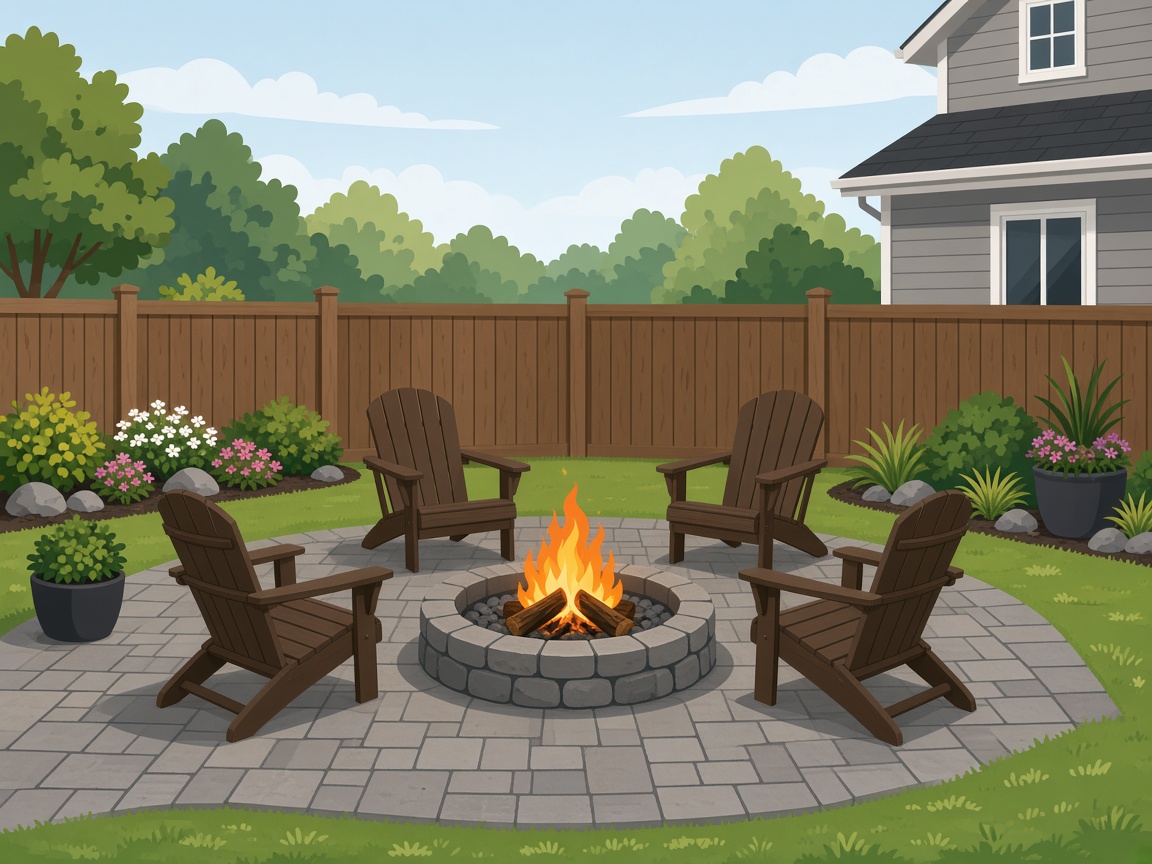 Fire pit circle
Try Fire Pit & Gathering in Quick preview before you buy pavers or seating—notes help for distance from fence.
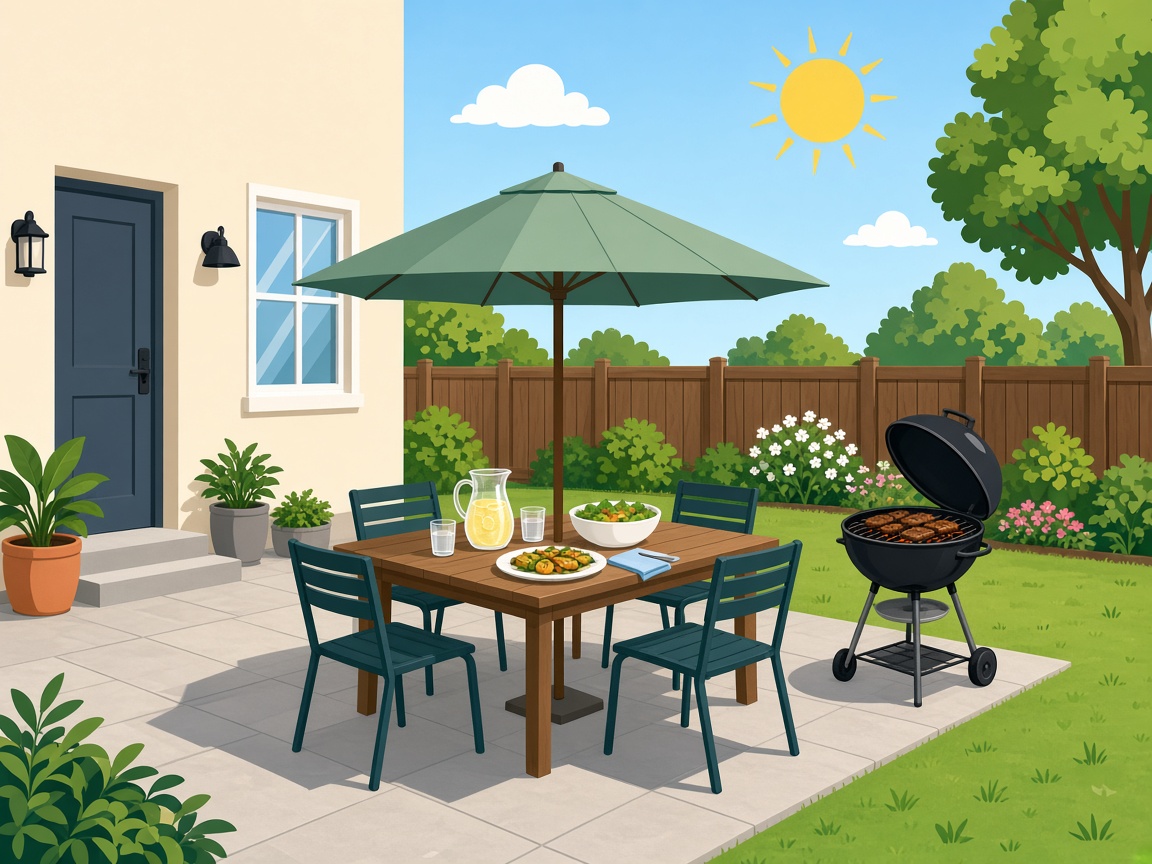 Outdoor dining zone
Outdoor Dining layout: test table scale and path from the kitchen door on your real photo.
 Nursery run with a list
Best quality adds numbered plants and a DIY table—shop once instead of guessing aisles.
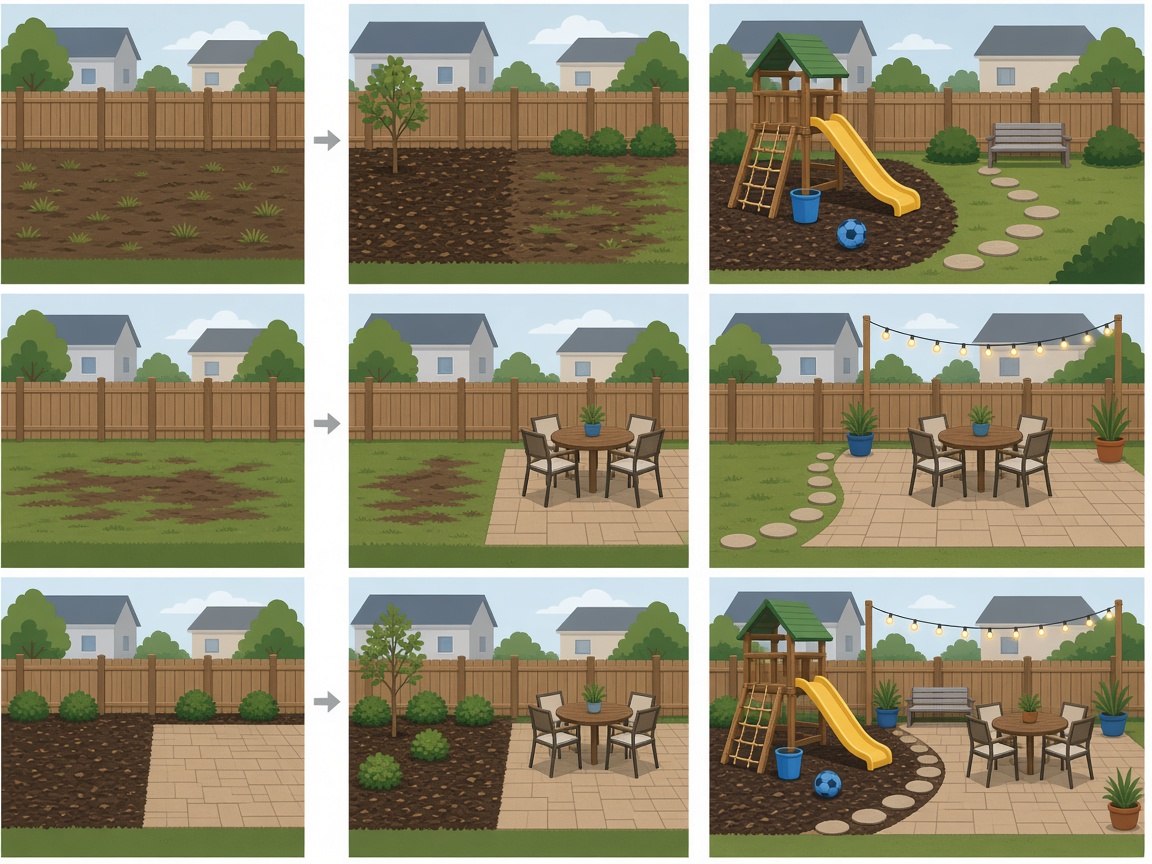 Phased zones
Do play or mulch one season, dining or fire the next—regenerate with a new function when budget allows.
Wide context beats a pretty close-up for backyard functions.
What most DIY backyards benefit from first:
When you are ready to shop—not just compare functions—run Best for a sheet built for weekend installers:

Shoot from the patio door or deck—fence, lawn, and back of the house in frame. Daylight phone photos work.
Choose how you use the space: outdoor dining, fire pit, play, pets, relaxation, etc. Quick preview is for A/B functions.
Best quality adds numbered plants and materials on your photo plus a DIY table. Add location for climate-fit names.
Confirm drainage, gas/fire codes, and fence rules with local pros before you build.
Run Quick on two functions (e.g. Dining vs Fire Pit) before Best—most weekend projects compare uses first.
Not gas-line design, fire-code approval, structural engineering, or permit drawings. Confirm drainage, utilities, and fence rules with local pros before building hardscape or fire features.
Yes. Upload a wide backyard shot, pick a function, and you usually get a preview in about one to two minutes—enough to compare dining vs fire pit vs play before you spend. Best quality adds a Planning Sheet and DIY list when you are ready to shop.
On this page, lead with function: how you actually use the yard. The preset sets layout intent (dining, gathering, pets, etc.). Use notes for extras like shade, keep my patio, or low maintenance.
Quick (1 credit) to compare two functions with family. Best (2+ credits) when you want numbered items on your photo and a climate-fit DIY list for the nursery or supplier.
Designs start from your photo, so existing fence lines, concrete pads, and outbuildings typically stay. Changes focus on layout, planting, and features around what is already there.
Use Backyard for whole-yard zones and lawn-scale layout. Use Patio for ground-level outdoor rooms (pavers, furniture at patio scale). Use Deck for raised wood or composite platforms with railings.
Use Pool & Spa for the pool deck, splash planting, and surround styles. Use Backyard when the main goal is dining, fire pit, play, or lawn areas away from the water—or upload a pool-inclusive wide shot and pick the closest function.
Yes. Choose Fire Pit & Gathering, Outdoor Dining, or Pet-Friendly Zone, then add notes (e.g. fire away from fence, dog run along side yard). Outputs are visual guides—not gas line or code approvals.
Add your city or region before Best quality. The DIY list steers toward names that fit your climate; we show a climate zone context, not your street address on the image.
No. Early visuals and an optional shopping list only—not grading, drainage engineering, structural plans, or permits. Confirm with licensed pros before building hardscape or fire features.
Explore without paying. Sign in to generate; new accounts get 2 free credits (~one Best sheet at 1K or two Quick previews). The button shows cost for your settings.