
AI Landscape Design for Your Yard & Garden
Upload a yard or garden photo, choose an area type and style, then generate. Sign in to run the tool and use your free credits.
1. Upload Your Yard Photo
Drag & drop your photo here or
JPG, PNG or HEIC • Max 20MB • PDF not supported
2. Choose Your Area Type & Style
Guides: Backyard | Front Yard | Side Yard
Area Type
One primary city or region works best. We use it for climate-appropriate plants and your DIY list language—shown as a climate zone, not a place name.
Transformation level
How much should the AI change your yard? House and camera angle stay the same.
Quality
Sharper renders with three cards: clean design, item markers, and a localized DIY plan list (plants, paths, water features, edging). 2K/4K helps legibility; may take longer.
Your AI-Generated Landscape Design
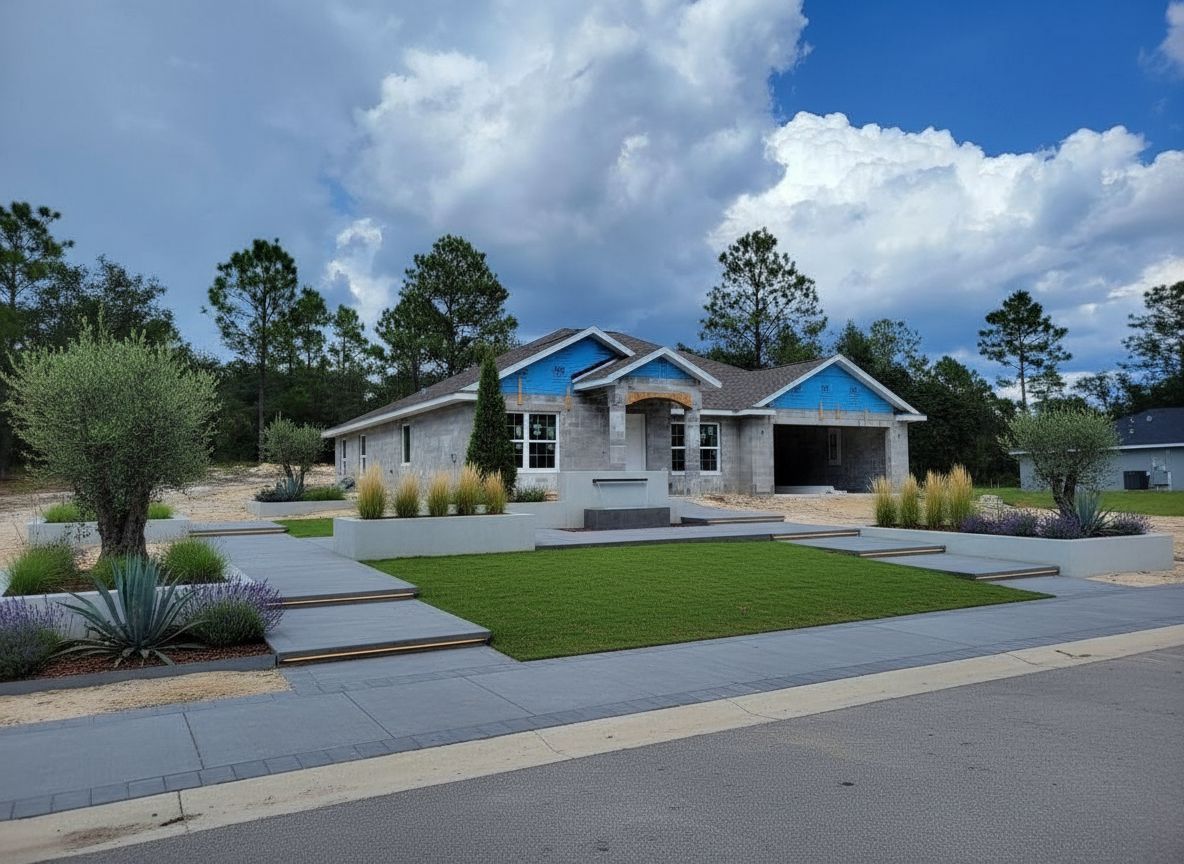
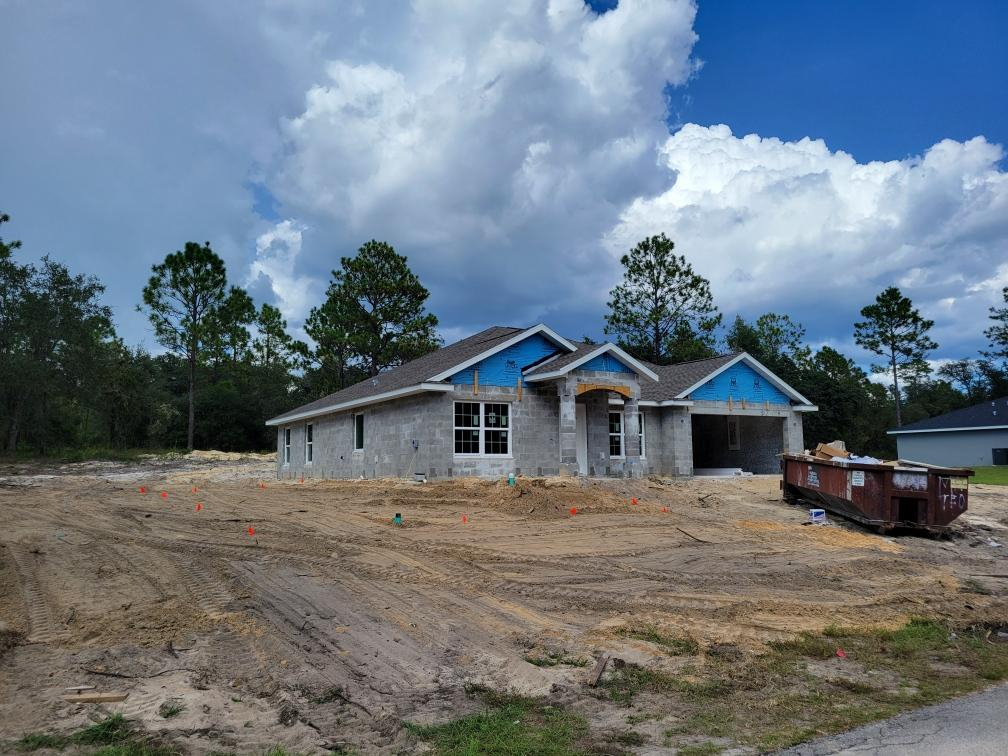 Before
After (Quick preview · Modern Minimalist)
Before
After (Quick preview · Modern Minimalist)

Try Sample Images
No photo handy? Pick a sample below to preview the tool.
Ready to Generate
Upload your photo or try a sample image below
Also redesigning indoor spaces?
Try our AI Interior Design tool for living rooms, bedrooms, kitchens, and more.
How residential AI landscape design works
- Upload a clear photo of your yard, garden, or pool area (or use a sample image).
- Choose an area type and a style or function; add optional elements and notes.
- Generate with the quality and resolution you prefer—the button shows how many credits the run uses.
- Refine with fine-tuning controls when you want small layout or planting changes.
What you can design on this page
This generator is built for home-scale outdoor spaces: front yard curb appeal, backyard living, patios and terraces, intimate gardens, narrow side yards, and pool surroundings. Styles and functions are tuned for residential layouts. For parks, commercial sites, and urban-scale concepts, use our large-scale AI Landscape Design tool. For indoor rooms, use our AI interior design from photo tool.
FAQ
- Is this AI landscape design tool free to try?
- Yes. You can explore the interface without an account. To run a generation you need to sign in; new accounts receive free credits so you can try yard and garden designs at no cost to start.
- Do I need an account to generate a design?
- Yes. Generating and downloading designs requires a signed-in account so we can apply credits fairly and keep your work associated with your profile.
- What image formats can I upload?
- Use JPG, PNG, or HEIC up to 20MB per file. PDF is not supported; export or save your plan as an image first.
- How long does one generation take?
- Most runs finish in about one to two minutes. Larger output sizes with Best quality can take longer.
- How many credits does one generation use?
- Best quality (default) uses 2 credits at 1K, 3 at 2K, or 4 at 4K for a Planning Sheet with DIY list. Quick preview uses 1 credit per image (softer detail, no plant labels). New accounts get 2 free credits—enough for one Best sheet at 1K. The main button shows the cost for your current settings. Cloud save to My Designs unlocks with any credit pack.
- What is the difference between Quick preview and Best quality?
- Best quality (default) delivers a 3-part Planning Sheet: clean hero view, numbered items, and a localized DIY list. Quick preview (1 credit) is a faster, lower-cost layout draft without plant labels. Buy a credit pack to keep generating and unlock cloud save to My Designs. If Best is temporarily busy, we may finish with Quick preview and charge accordingly.
- When should I use the large-scale AI Landscape tool instead?
- Use this generator for residential yards, gardens, pools, and side yards. For parks, campuses, streetscapes, and other large commercial or public space concepts, use the AI Landscape Design tool linked from this page.