
Same-level neighbors
Railing reed or slatted screens, dense container hedge—Privacy Screen preset.
Small railed outdoor room: test lounge, privacy, or herb containers on your balcony photo before you buy or drill.
Pick a layout preset above · Quick default · Best → Planning Sheet · Quick facts Upload below, choose layout, add your city, then Generate.
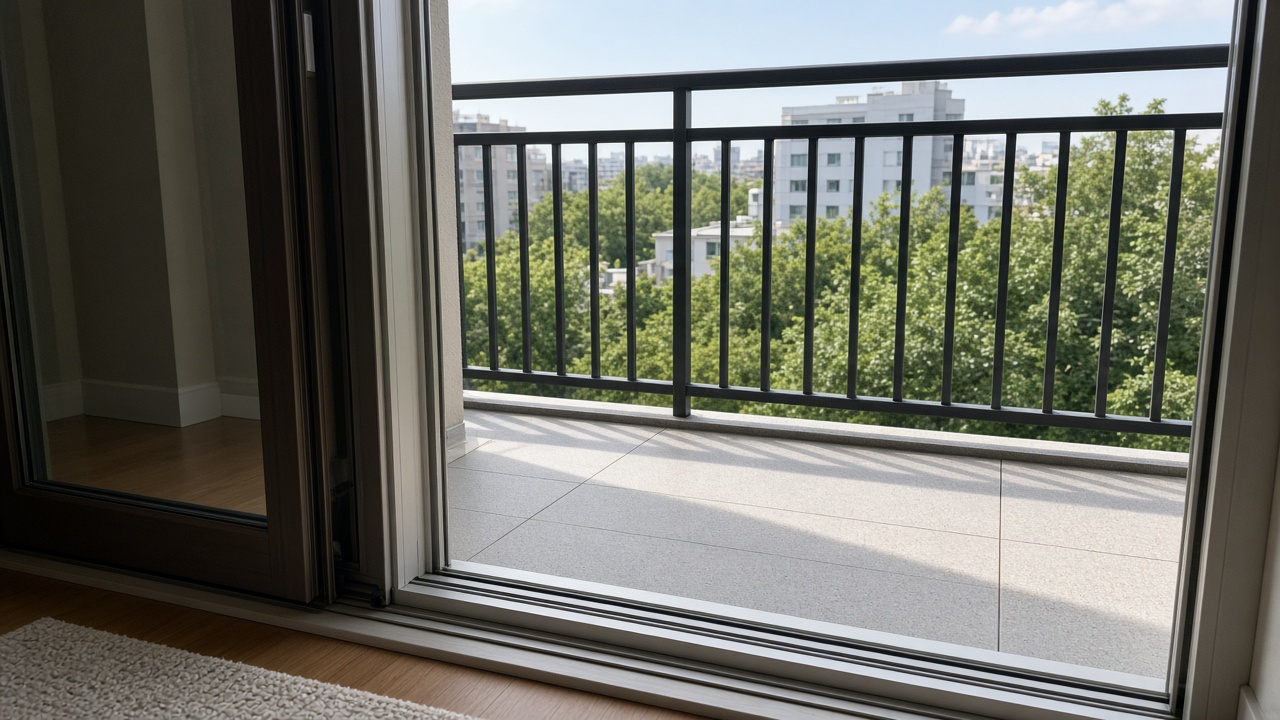
From inside the door: show balcony floor, full railing, and threshold together. Daylight phone photos work. Ground patio → Patio; raised wood → Deck.
Drag & drop your photo here or
JPG, PNG or HEIC • Max 20MB • PDF not supported
One primary city or region works best. We use it for climate-appropriate plants and your DIY list language—shown as a climate zone, not a place name.
Quality
Fast, 1-credit previews with softer detail—good for layout ideas. No plant labels on the photo.
Transformation level
How much should the AI change your yard? House and camera angle stay the same.

 Before
After (Quick preview · AI Balcony Design)
No photo handy? Pick a sample below to preview the tool.
Upload your photo or try a sample image below
Try our AI Interior Design tool for living rooms, bedrooms, kitchens, and more.
| Fact | For DIY balconies |
|---|---|
| Best for | Railed balconies—containers, compact furniture, privacy, lights |
| Photo | Floor + full railing + door threshold in one frame |
| Best quality | Planning Sheet + numbered DIY list (add city for climate-fit names) |
| Quick preview | 1 credit (default)—compare layouts before you haul furniture |
| Not this tool | Ground patio → Patio; raised deck → Deck; whole backyard → Backyard; pool build → Pool & Spa |
This balcony generator is for railed apartment or upper-level balconies: upload one photo showing the floor, railing line, and door threshold, and compare presets for lounge, dining nook, greenery wall, privacy screens, herbs, evening glow, and compact styles. Quick preview (1 credit, default) compares tight layouts fast; Best quality (2+ credits) adds a compact Planning Sheet with numbered pots, screens, and lights. Sign in for 2 free credits. Not for ground patios (Patio), raised decks (Deck), whole backyards (Backyard), or in-ground beds—and not structural load calculations, lease approvals, or fire-code sign-off.
Pick the story closest to yours—then jump back to the tool above.
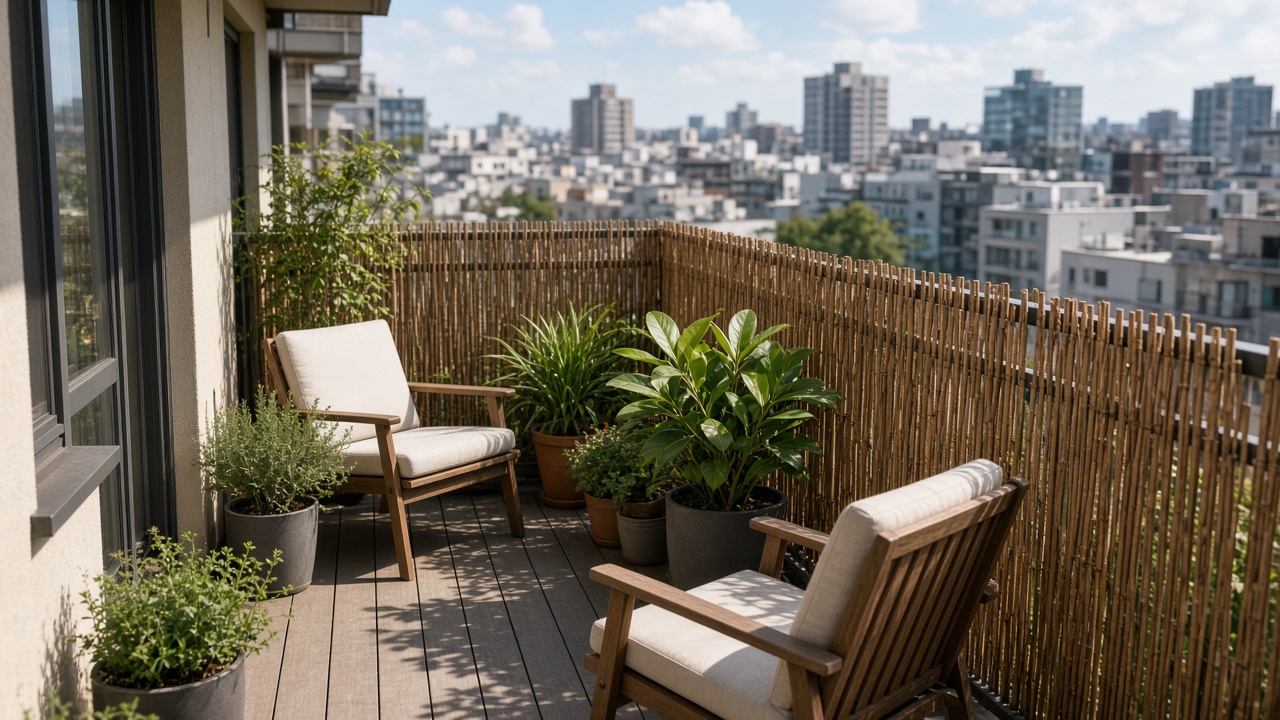 Privacy without drill
Privacy Screen preset + notes like “reed on rail, no holes”—preview before you buy screens.
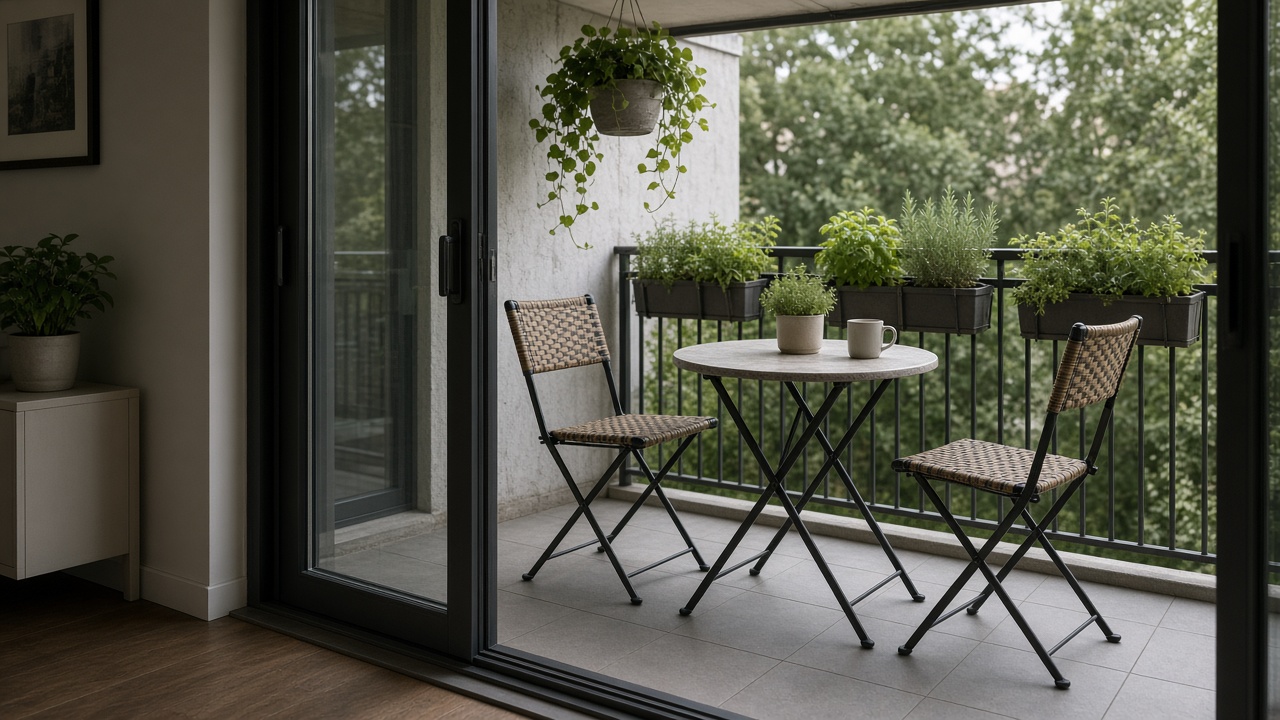 Will the bistro fit?
Dining Nook on your photo—compare chair clearance on a narrow slab before checkout.
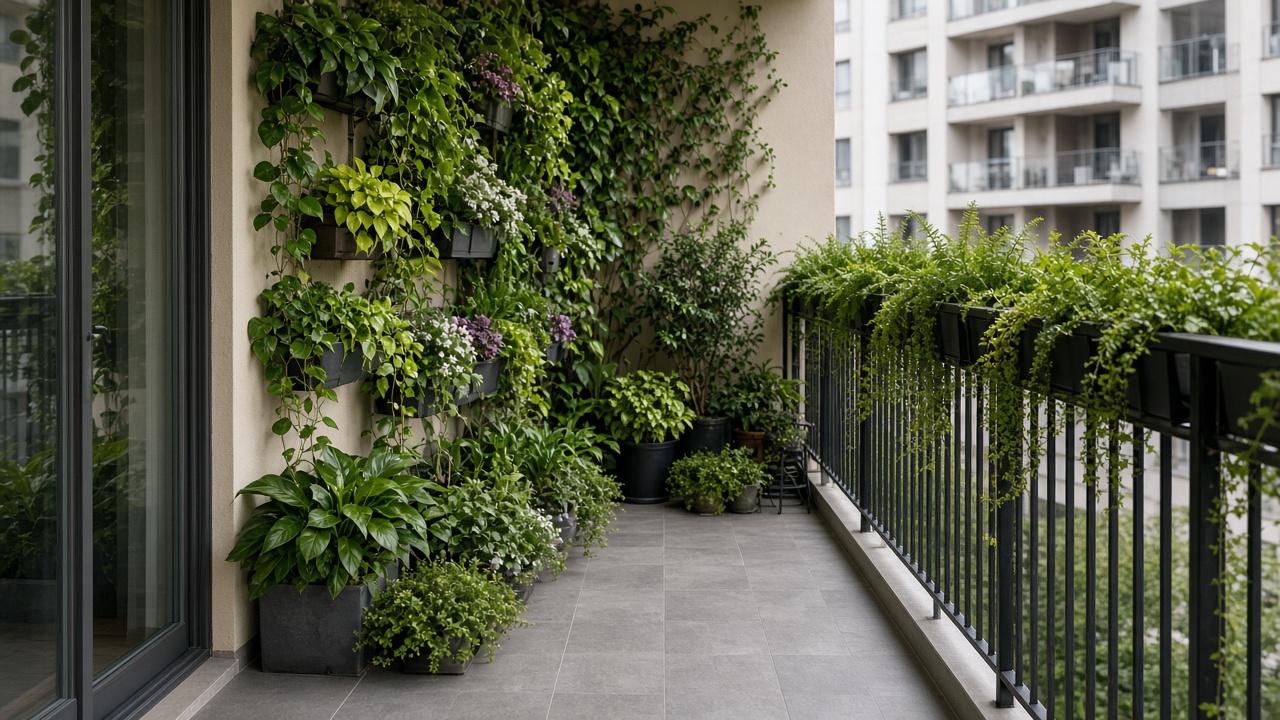 Greenery wall
Vertical pots and railing planters—see density on your rail line before haul day.
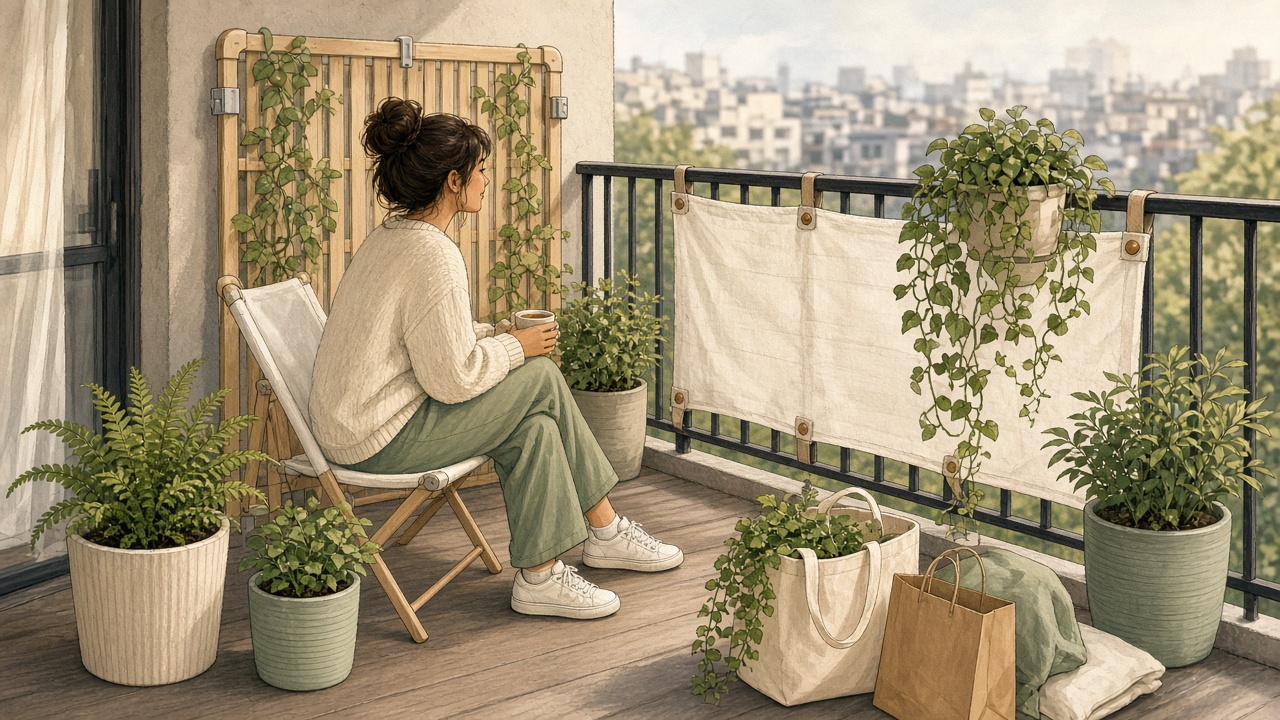 Renter shopping list
Best quality adds numbered lightweight pots and accents—one trip, move-out friendly.
Balcony layouts need the rail and floor plane—not a flower macro with no context.
Wet soil adds up fast on upper floors—use lightweight mixes and spread pots; confirm building limits.
| Item (guide) | Approx. load | Tip |
|---|---|---|
| 10 gal (40 L) pot, wet soil | ~80–100 lb (36–45 kg) | Fewer, lighter pots beat many heavy ones |
| 3 large pots + bistro set | Adds up quickly | Place heavy items over beams if building allows—ask management |
| Water feature / filled urn | Often heavier than it looks | Skip unless your lease and engineer approve |
Guide only—not a structural calculation. Verify live loads with your building.
Match the screen to how you are overlooked—then test on your photo.
Railing reed or slatted screens, dense container hedge—Privacy Screen preset.
Taller freestanding divider or layered pots on the outer edge—note height limits.
Clamp-on planters, tension rods where allowed, freestanding lattice—add “no drill” in notes.
What most apartment balconies benefit from first:
When you are ready to shop—run Best for container-scale installs:

From inside the door: floor, full railing line, and threshold together. Daylight phone photos work.
Try lounge, dining nook, greenery wall, privacy screen, herbs, evening glow, coastal, boho, or modern minimal. Quick preview is for A/B layouts.
Best quality adds numbered containers, lights, and accents on your photo plus a compact DIY table. Add location for climate-fit plant names.
Verify weight limits, railing attachments, drainage, and open-flame rules with your building or HOA before installing.
Quick is default—compare two presets before Best. Ground patios → Patio; raised decks → Deck.
Not structural load analysis, railing attachment engineering, HOA or lease approvals, or open-flame permits. Follow building rules for weight, drilling, drainage to neighbors, and grills.
Yes. Upload a clear balcony photo, pick a preset, and you usually get a preview in about one to two minutes—enough to compare lounge vs dining vs privacy before you haul furniture home. Best quality adds a Planning Sheet when you want a numbered shopping list.
Most balcony runs compare tight layouts first (1 credit). Use Best (2+ credits) when you want numbered markers and a climate-fit DIY list for pots, screens, and lights—not structural load calculations.
Use Balcony for railed apartment or upper-level balconies with containers only. Use Patio for ground-level pavers. Use Deck for raised wood platforms with stairs. Use Backyard for whole-yard lawn and large features.
Designs start from your photo, so railing height, floor plane, and typical door locations usually stay. Changes focus on furniture, containers, privacy screens, and lighting—not digging garden beds or moving walls.
Use the weight guide on this page as a rule of thumb (wet soil adds up fast). Prefer lightweight pots, spread load, and no-drill screens when leases forbid attachments. Always confirm building limits—we do not calculate live loads.
Yes. Choose Privacy Screen Focus or Greenery Wall presets and add notes (e.g. “no drill, reed on rail, freestanding divider”). Outputs are visual guides—not HOA or fire approvals.
From the doorway: floor + full railing + a bit of wall or sky for context. Avoid tight plant macros with no rail visible, or shots that crop off the platform edge.
A hero view matched to your photo, numbered items (typically 4–8) such as pots, screens, and lights, plus a DIY table with quantities. Add your city for climate-appropriate plant names.
Many buildings ban open flame on balconies. Our images may show lanterns or electric warmth—follow your lease and fire code. We do not certify equipment placement.
Explore without paying. Sign in to generate; new accounts get 2 free credits (~one Best sheet at 1K or two Quick previews). The button shows cost for your settings.