

Bed or border
One planting zone with edges visible
- Start with
- Purpose presets (edible, native…)
- This tool helps with
- Planting mood, paths, accents on photo
Purpose-first planting on your photo—beds, borders, and garden corners at home scale. Compare edible vs native vs low-care; Best exports a Planning Sheet.
1 Upload bed or border 2 Pick garden purpose 3 Quick or Best
Show the full bed or border plus fence, house wall, or trees for scale. One wide daylight shot beats a tight flower close-up.
Drag & drop your photo here or
JPG, PNG or HEIC • Max 20MB • PDF not supported
One primary city or region works best. We use it for climate-appropriate plants and your DIY list language—shown as a climate zone, not a place name.
Quality
Sharper renders with three cards: clean design, item markers, and a localized DIY plan list (plants, paths, water features, edging). 2K/4K helps legibility; may take longer.
Transformation level
How much should the AI change your yard? House and camera angle stay the same.
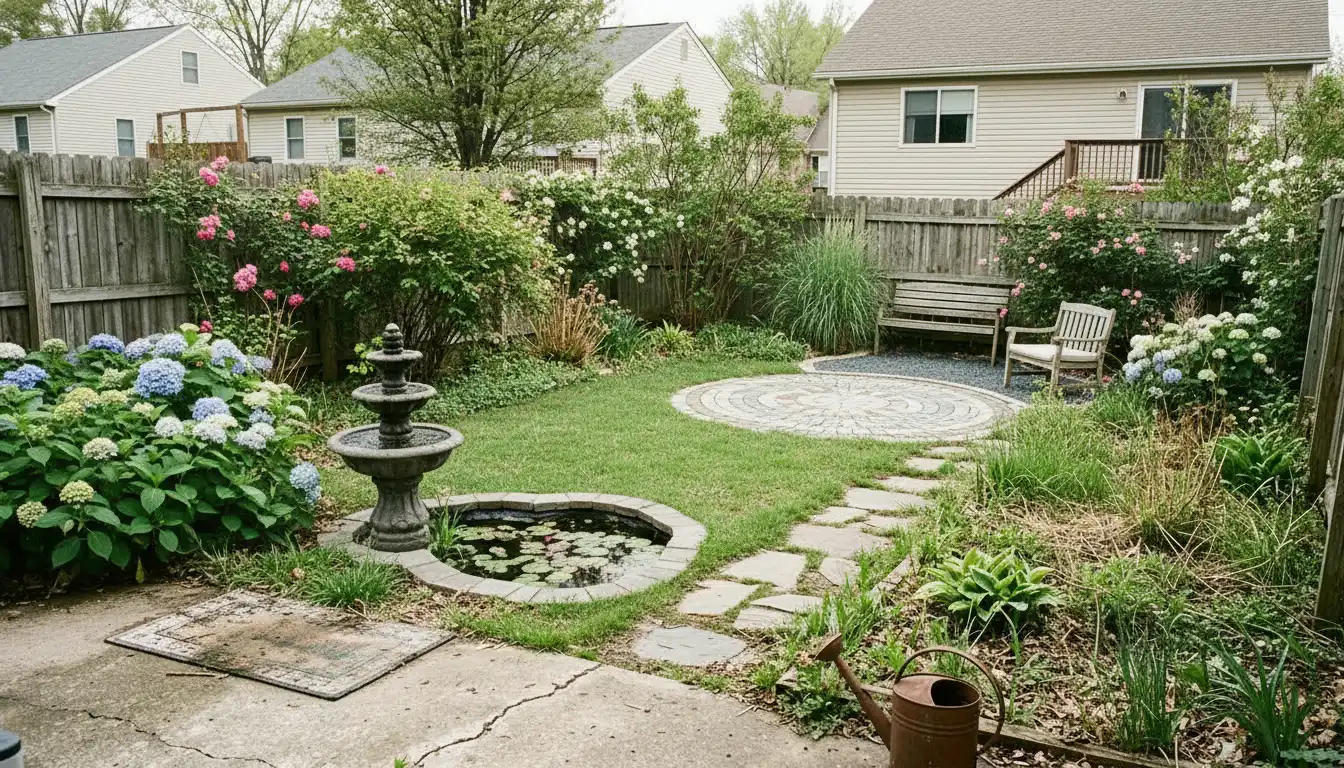
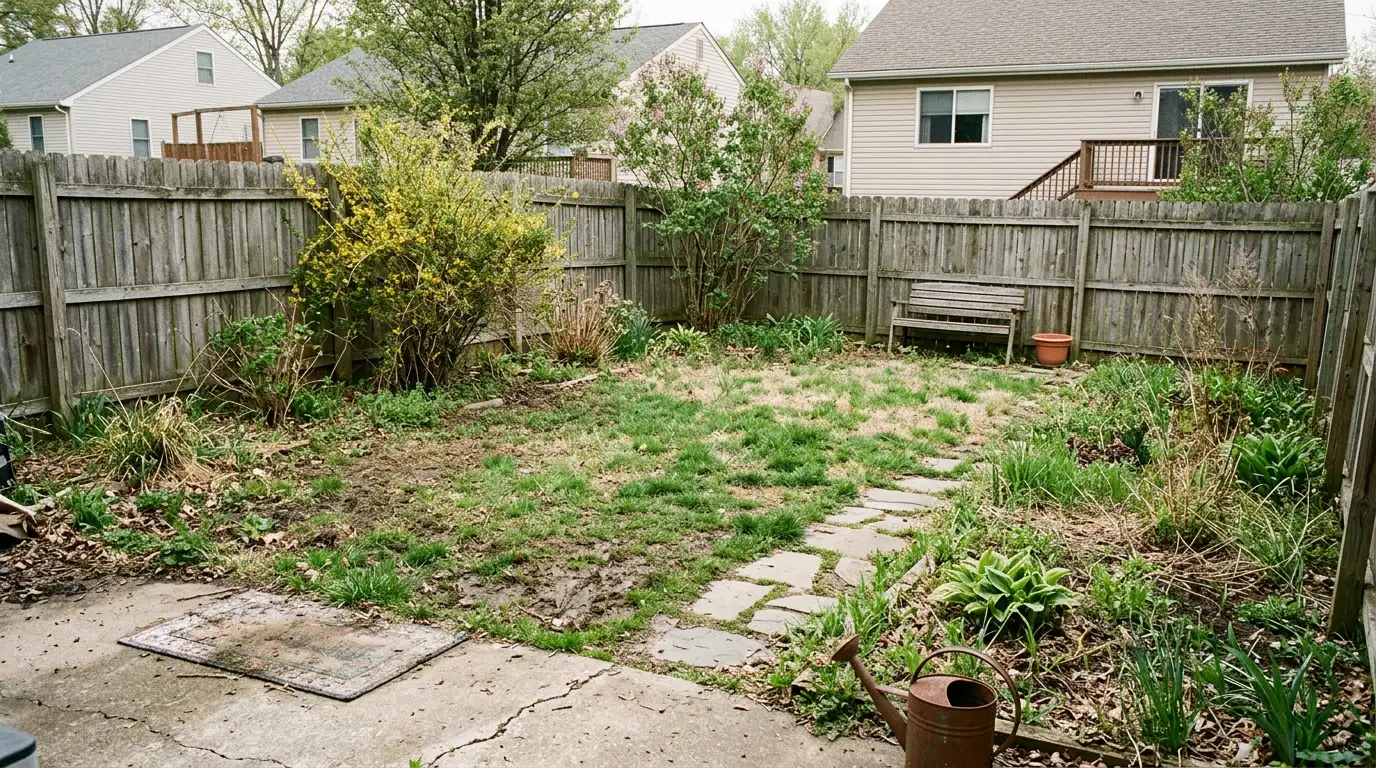 Before
After (Quick preview · AI Garden Design)
No photo handy? Pick a sample below to preview the tool.
Upload your photo or try a sample image below
Try our AI Interior Design tool for living rooms, bedrooms, kitchens, and more.
Your photo—planting purpose on beds and borders. Quick compares presets; Best adds a numbered Planning Sheet.
This garden generator is purpose-first at residential scale: upload a photo of a planting bed, border, or garden zone with fence, house, or trees in frame—not a single flower macro. Compare fourteen purpose presets from Edible Garden, Native Plants, and Pollinator Garden to Low Maintenance, Shade & Woodland Edge, Drought-Tolerant / Xeriscape, and Meditation Retreat. Quick preview (1 credit) compares directions fast; Best quality (2+ credits) adds a compact Planning Sheet with numbered plants and accents plus a climate-fit DIY list when you add your city. Sign in for 2 free credits. Not a survey, drainage engineering, or botanical ID guarantee—not whole-backyard function layouts (Backyard), curb-first entry planting (Front Yard), narrow utility corridors (Side Yard), or campus-scale parks (AI Landscape).
Tap the card that matches your goal—then jump back to the tool.
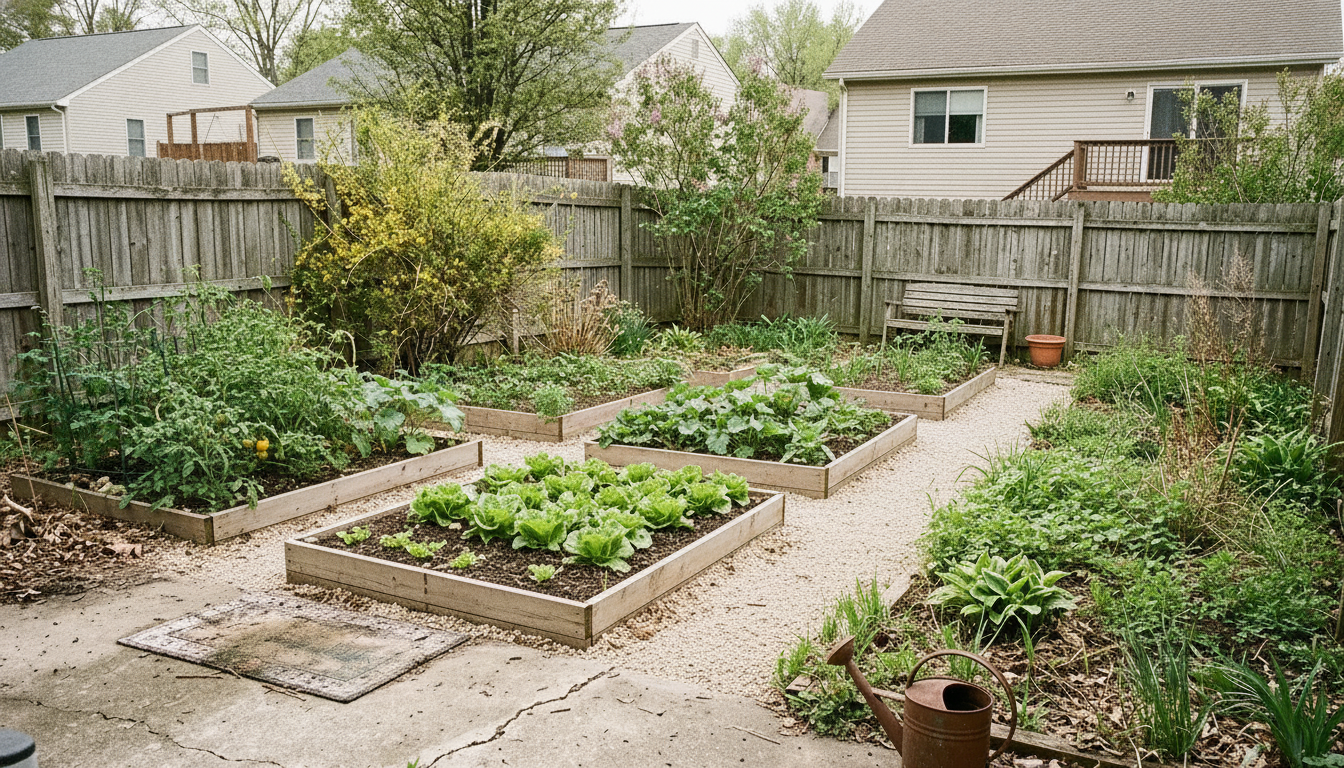 Edible & herb weekend
Raised beds and tidy paths on your photo—Edible Garden vs Herb Garden before you buy soil.
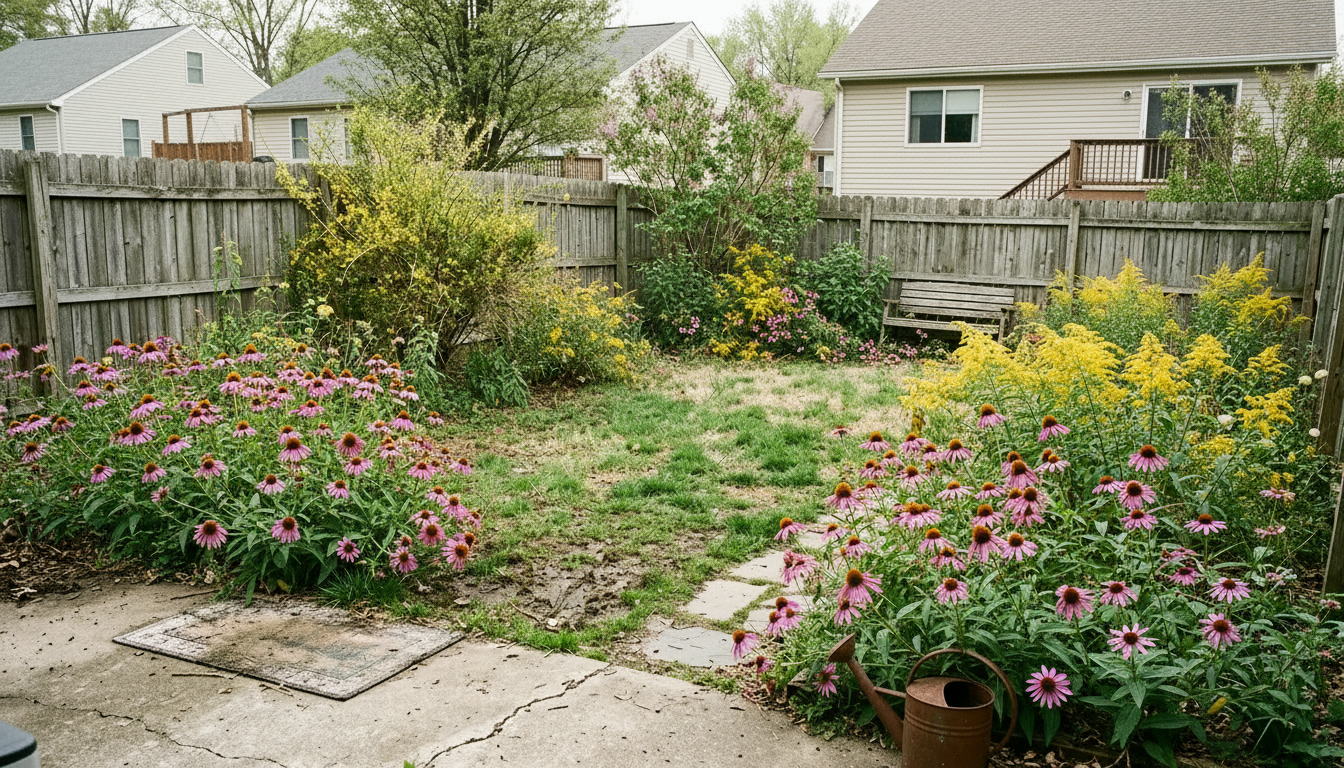 Native & pollinator run
Same bed—Native Plants vs Pollinator Garden; add city so Best lists climate-fit names.
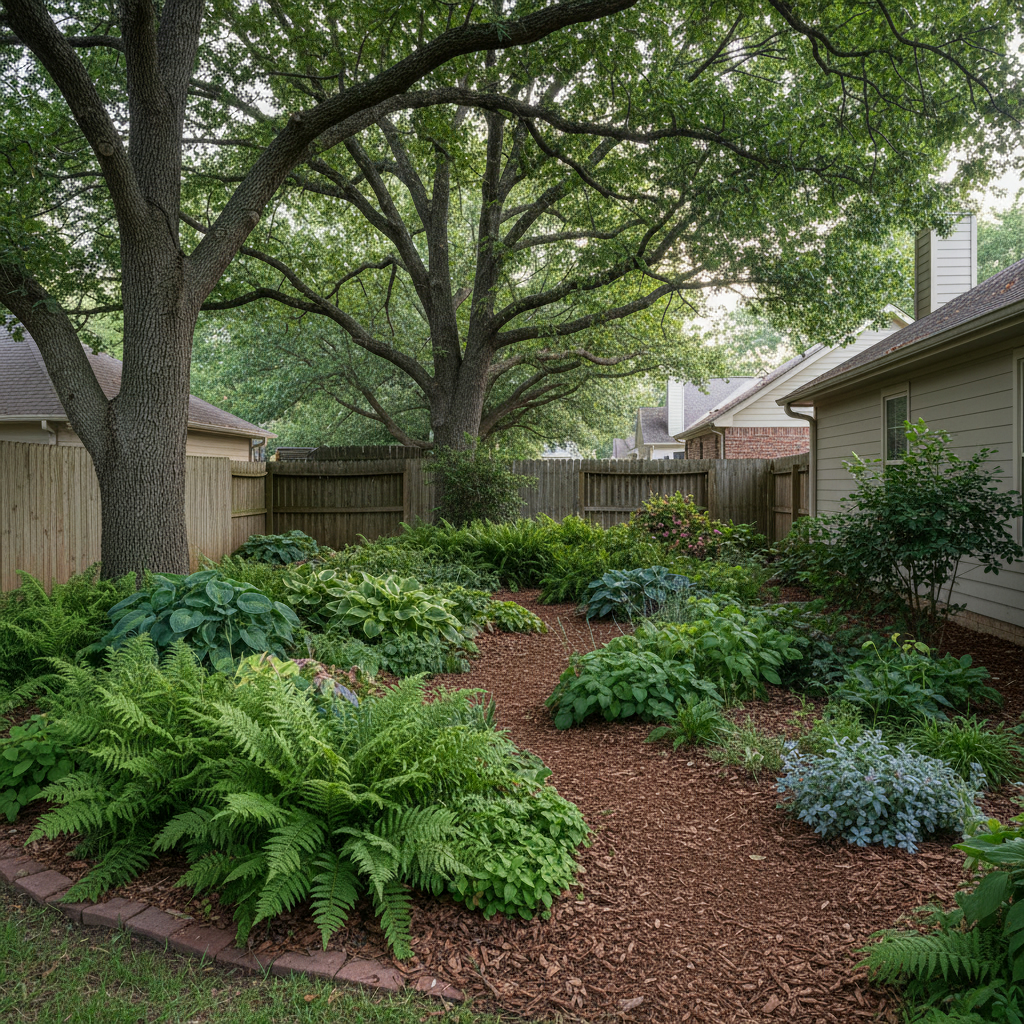 Shade & low-water calm
Under trees or hot zones—Shade & Woodland Edge or Drought-Tolerant mood without repaving the yard.
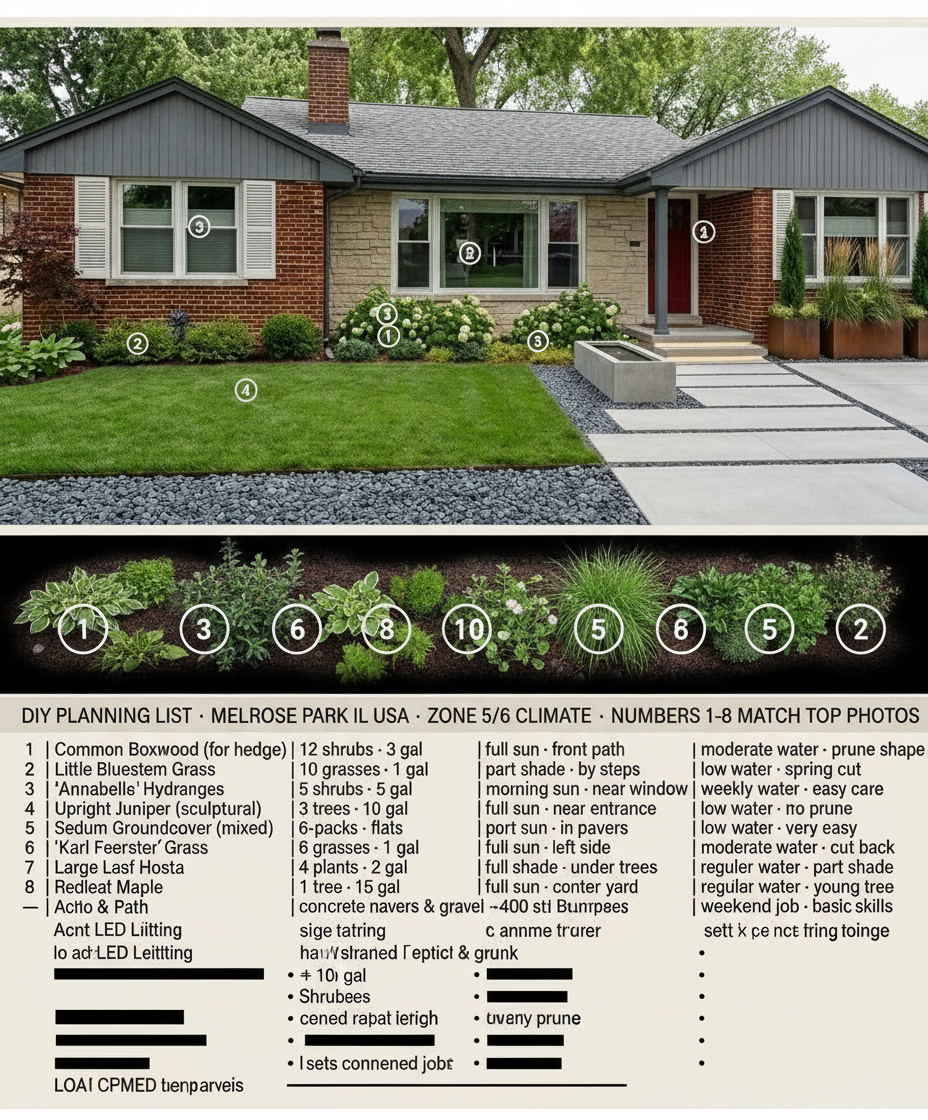 Shop with a list
Best export—numbered plants and accents for one nursery trip.
Show the whole bed or border plus fence, house wall, or trees—context beats a tight flower close-up.
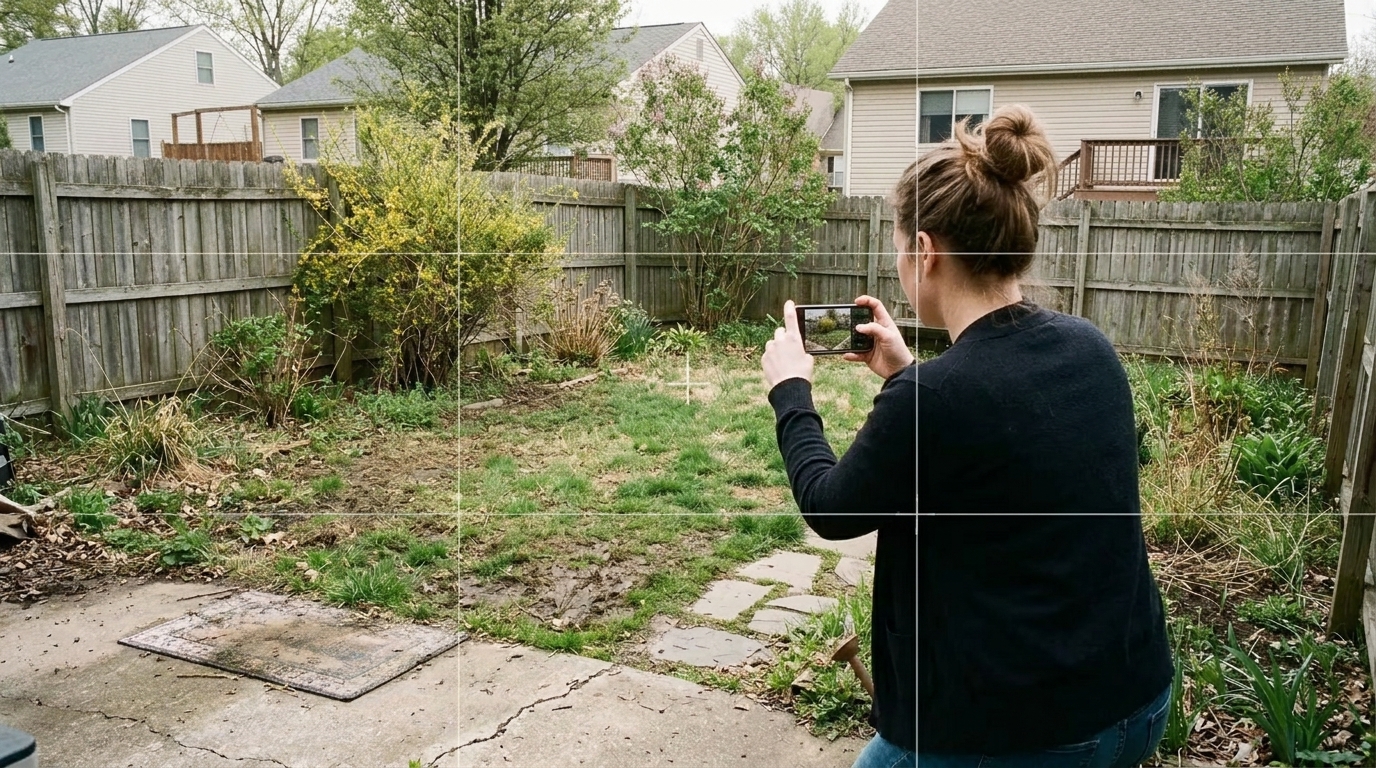
Pick the row closest to your upload—then choose a purpose preset above.
One planting zone with edges visible
Wide yard—fire, dining, play zones
Street-facing entry planting
Garden photo type guide
Concept visuals only—confirm mature sizes, easements, and utilities on site.
Rule-of-thumb for notes before you generate—verify every measurement and species locally.
Plan for mature width—not nursery pot size
Ask for “room at maturity” in Additional requirements
36 in+ (90 cm) behind beds
Leave hose and wheelbarrow access
Note full sun, part shade, or deep shade
Match preset (e.g. Shade & Woodland Edge)
Keep roots and splash zones in mind
Deer, pets, irrigation in your notes
Residential bed planting guide
Guide only—not engineering, irrigation design, or plant survival guarantee.
Pick the smallest tool that matches your space.
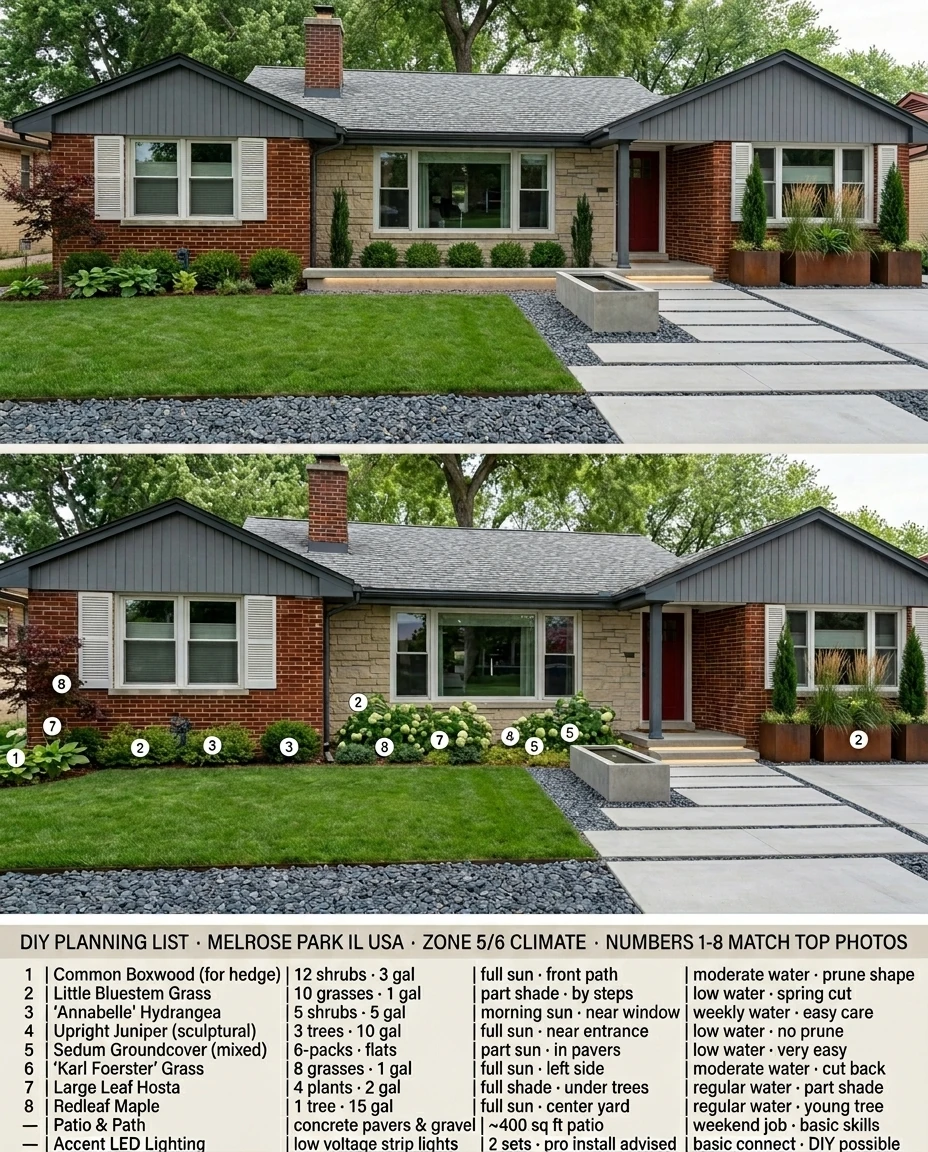
Three parts on one sheet:
Best quality (default): one tall JPG — clean design on top, a thin index strip with circled numbers and arrows, and a full DIY plan table at the bottom.
Grouped in the tool—grow, ecological, easy, and calm.
Campus or park-scale planting → AI Landscape Design
No site survey, grading or drainage plans, irrigation engineering, botanical identification, or guaranteed plant performance. Confirm mature size, toxicity, and local codes with nursery staff and licensed pros.
Yes. Upload a clear bed or border photo, pick a purpose preset, and compare previews in about one to two minutes—enough to align with family or share with a nursery. Best adds a Planning Sheet when you are ready to shop plants.
Quick (1 credit) to compare two purposes (e.g. Edible Garden vs Low Maintenance). Best (2+ credits) when you want numbered callouts on your photo and a climate-fit DIY list—add your city first.
Use this Garden tool for beds, borders, and planting zones at home scale. Use Backyard for whole-yard functions (fire, dining, play); Front Yard for curb and entry planting; Side Yard for narrow utility corridors; AI Landscape for parks and campuses.
Best may suggest plant names for shopping inspiration—they are not botanical identification or nursery guarantees. Confirm hardiness, mature size, and toxicity with local staff before you buy.
Add your city in the generator before Best quality. The DIY list steers toward names that fit your region—not a weather or survival warranty.
Use Additional requirements: “deep shade under maple,” “deer resistant,” “drip zone only,” or “keep existing tree.” Match preset when you can (e.g. Shade & Woodland Edge).
No. This tool is for residential garden beds and corners. Parks, campuses, and urban open space belong in AI Landscape Design.
Yes. Choose Edible Garden or Herb Garden and note “raised beds only” or “no vegetables near street” in your requirements before you generate.
Frost, heat, and rainfall affect which plants read believable on your photo. Location helps the Best DIY list—not a permit or engineering service.
Explore without paying. Sign in to generate; new accounts get 2 free credits (~one Best sheet at 1K or two Quick previews). The button shows cost for your settings.