
Snap from the curb
Include the door, walk, and driveway edge in one frame. Daylight phone photos work.
Weekend DIY: compare curb appeal on your house before mulch, edging, or nursery runs.
Best quality → numbered plants & DIY shopping list · Quick facts Upload below, pick a style, add your city, then Generate.
Stand at the curb: include the front door, walk, and driveway edge in one shot. Daylight smartphone photos work. Avoid lawn-only crops with no facade.
Drag & drop your photo here or
JPG, PNG or HEIC • Max 20MB • PDF not supported
One primary city or region works best. We use it for climate-appropriate plants and your DIY list language—shown as a climate zone, not a place name.
Quality
Sharper renders with three cards: clean design, item markers, and a localized DIY plan list (plants, paths, water features, edging). 2K/4K helps legibility; may take longer.
Transformation level
How much should the AI change your yard? House and camera angle stay the same.
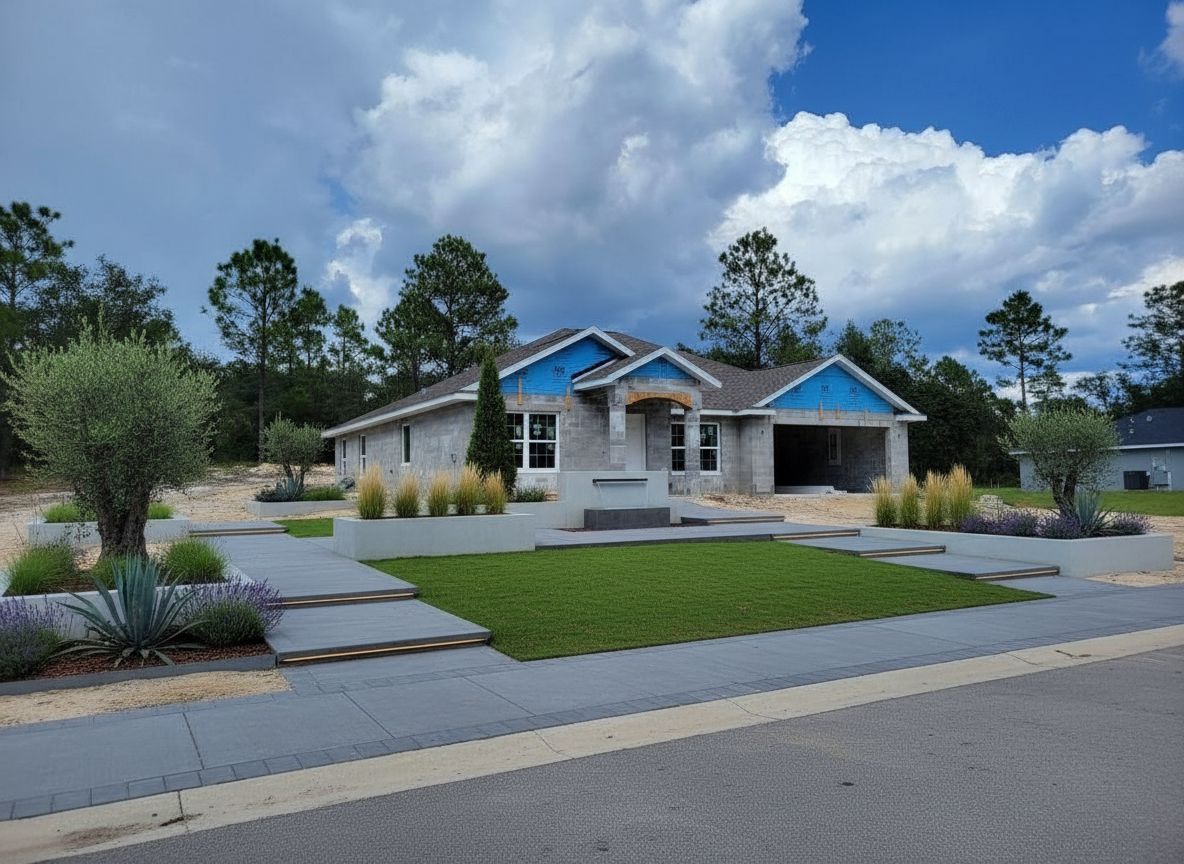
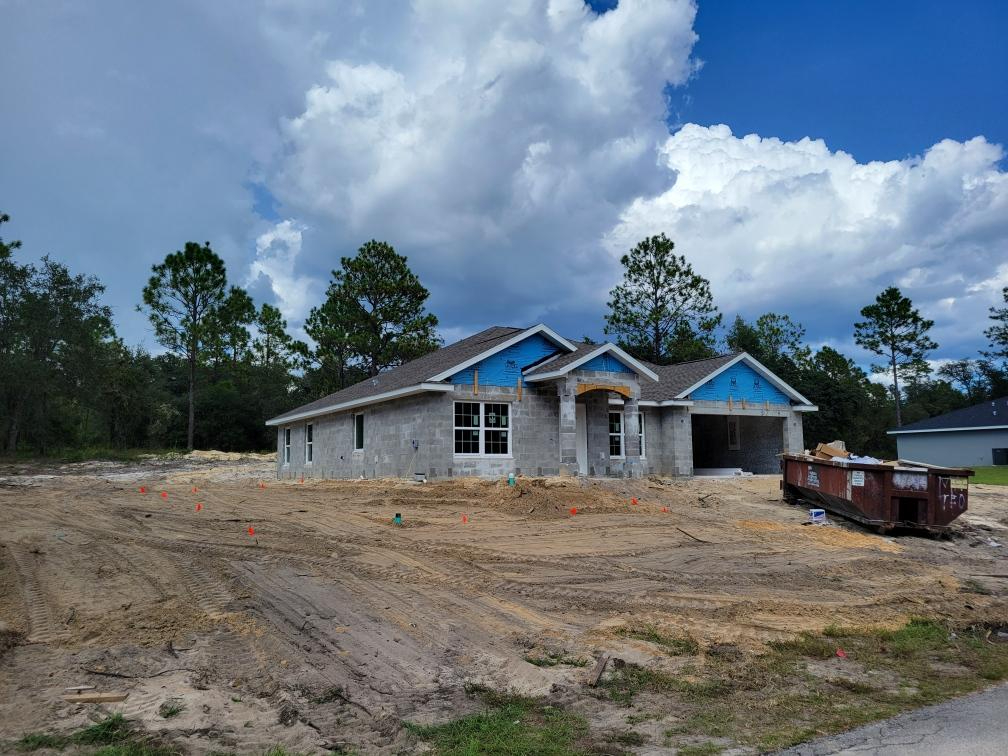 Before
After (Quick preview · Modern Minimalist)
No photo handy? Pick a sample below to preview the tool.
Upload your photo or try a sample image below
Try our AI Interior Design tool for living rooms, bedrooms, kitchens, and more.
| Fact | For DIY front yards |
|---|---|
| Best for | Curb appeal, entry paths, foundation beds—weekend refresh and nursery lists |
| Photo | Street view with door, walk, and driveway edge |
| Best quality | Planning Sheet + numbered DIY plant list (add your city for climate-fit names) |
| Quick preview | 1 credit—compare styles before you buy materials |
| Not this tool | House paint/siding → Exterior; parks → AI Landscape |
This front yard generator is for DIY homeowners: upload one street-facing photo and get curb-appeal concepts that keep your driveway, walk, and porch in place. Quick preview (1 credit) compares styles fast; Best quality (2+ credits) adds a 3-part Planning Sheet—clean design view, numbered plants on your photo, and a localized DIY list for nursery weekend runs. Add your city for climate-fit plant names. Sign in for 2 free credits. Outputs are visual planning aids, not permit or HOA approval documents.
Pick the story closest to yours—then jump back to the tool above.
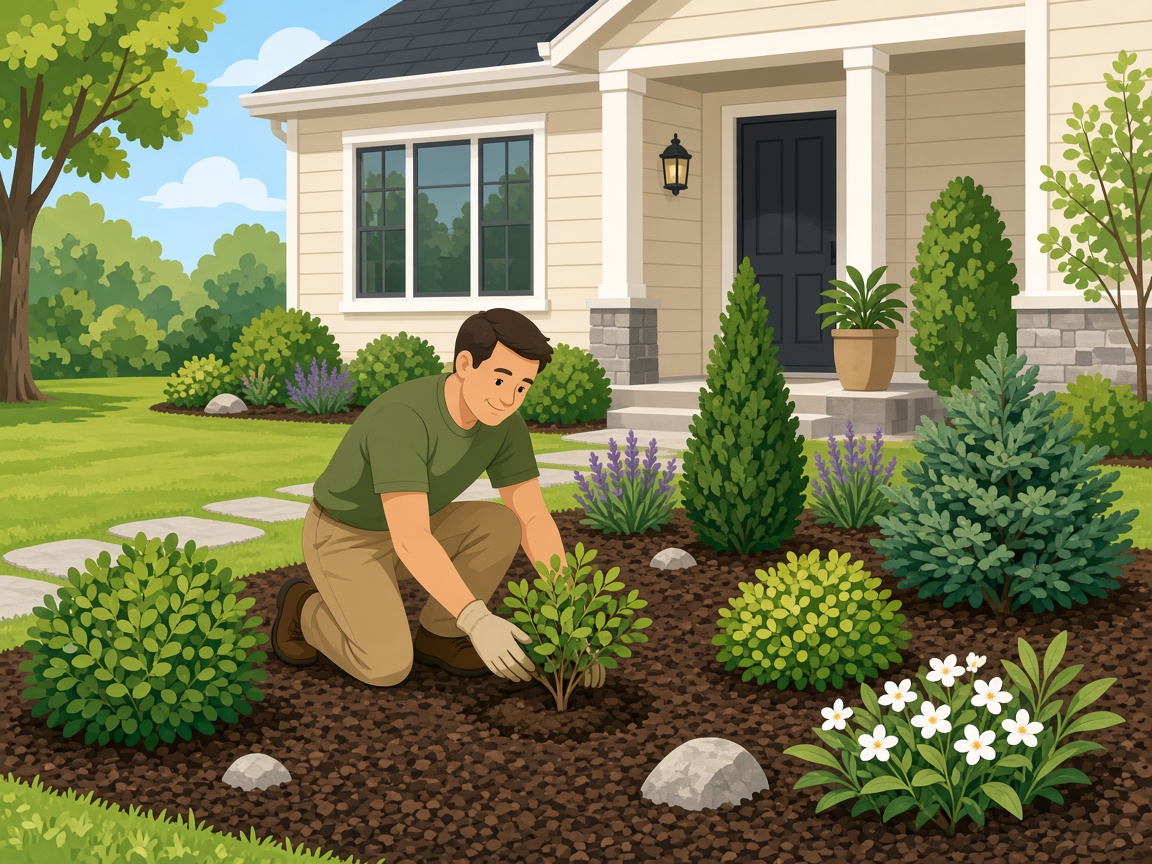 One-bed refresh
Mulch a foundation bed, add a few shrubs, skip the full redesign. Compare Low-Maintenance or Cottage looks before Saturday shopping.
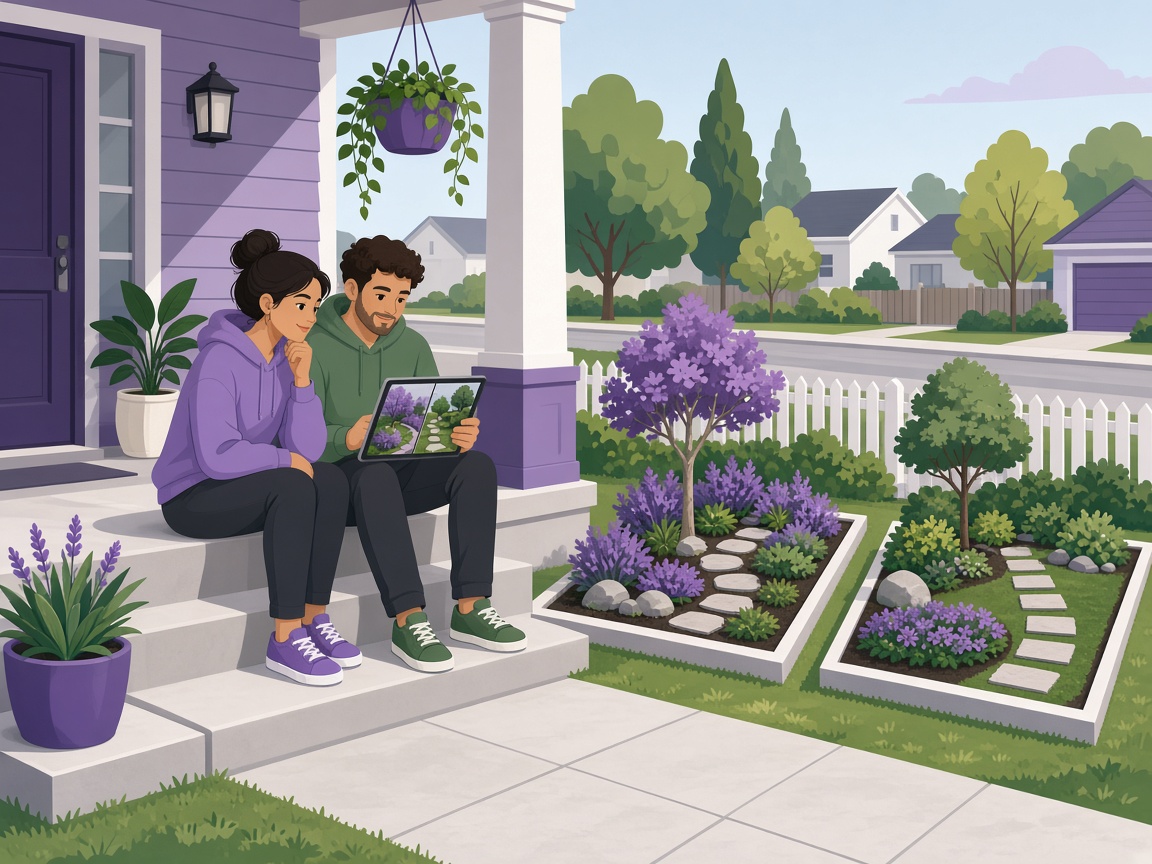 Pick a look together
Run Quick preview on 2–3 styles so everyone agrees on direction before you rent a truck or hire help.
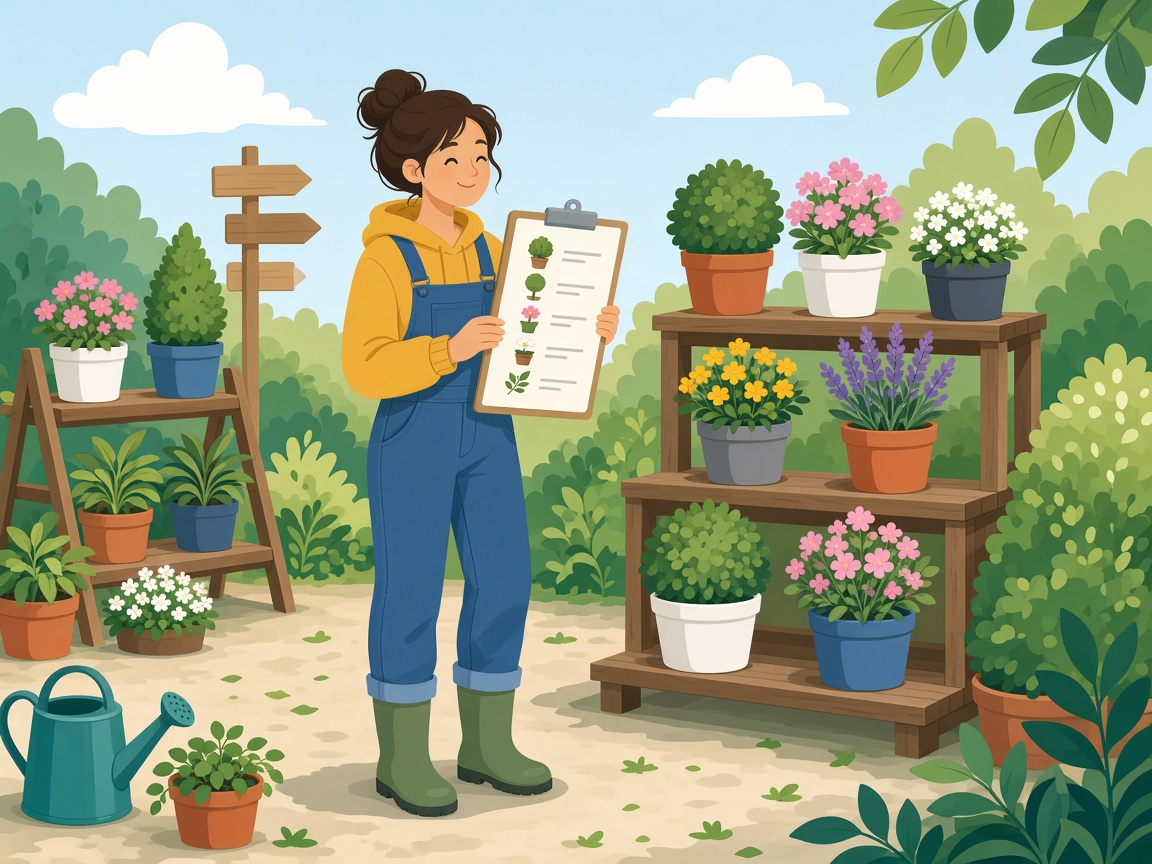 Nursery run with a list
Best quality gives numbered plants on your photo plus a DIY table—walk the aisles with a plan, not guesswork.
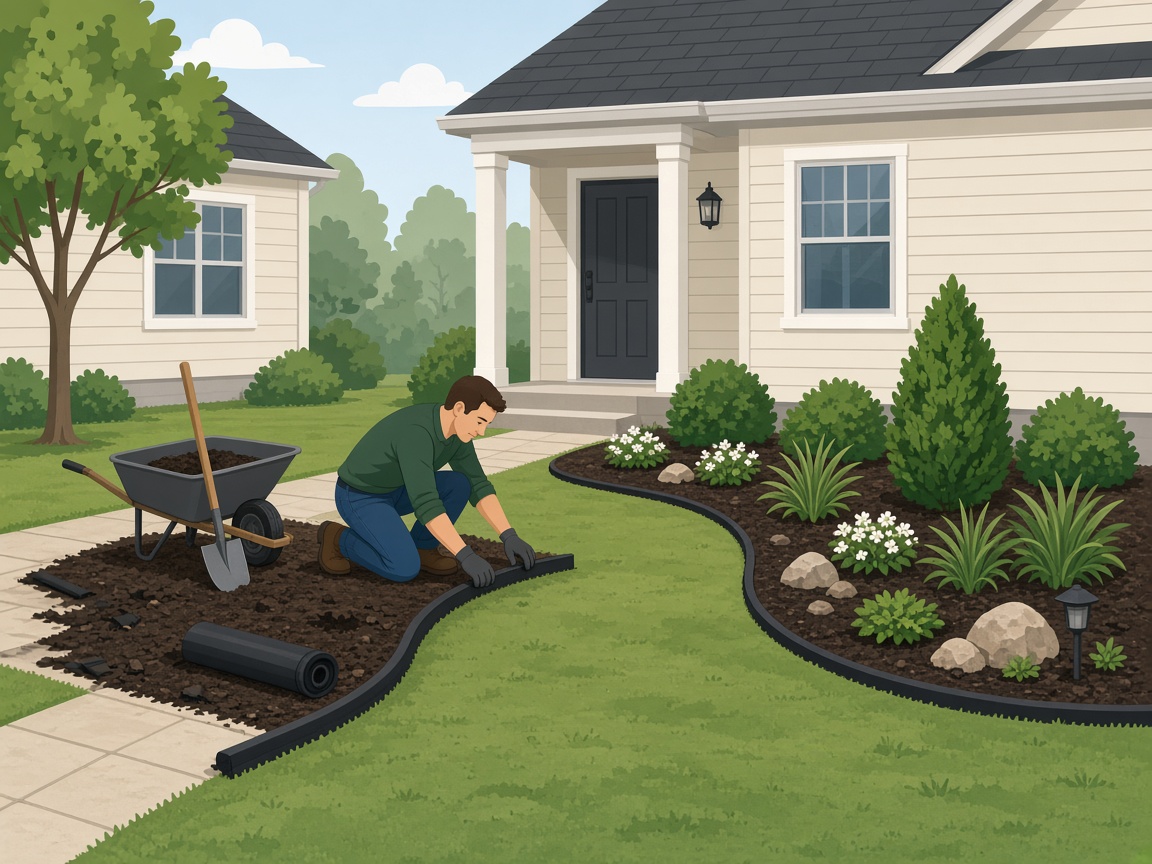 Phased curb appeal
Start with edging and beds this month; regenerate later for lighting or the other side of the walk when budget allows.
Better input = less guessing on your weekend.
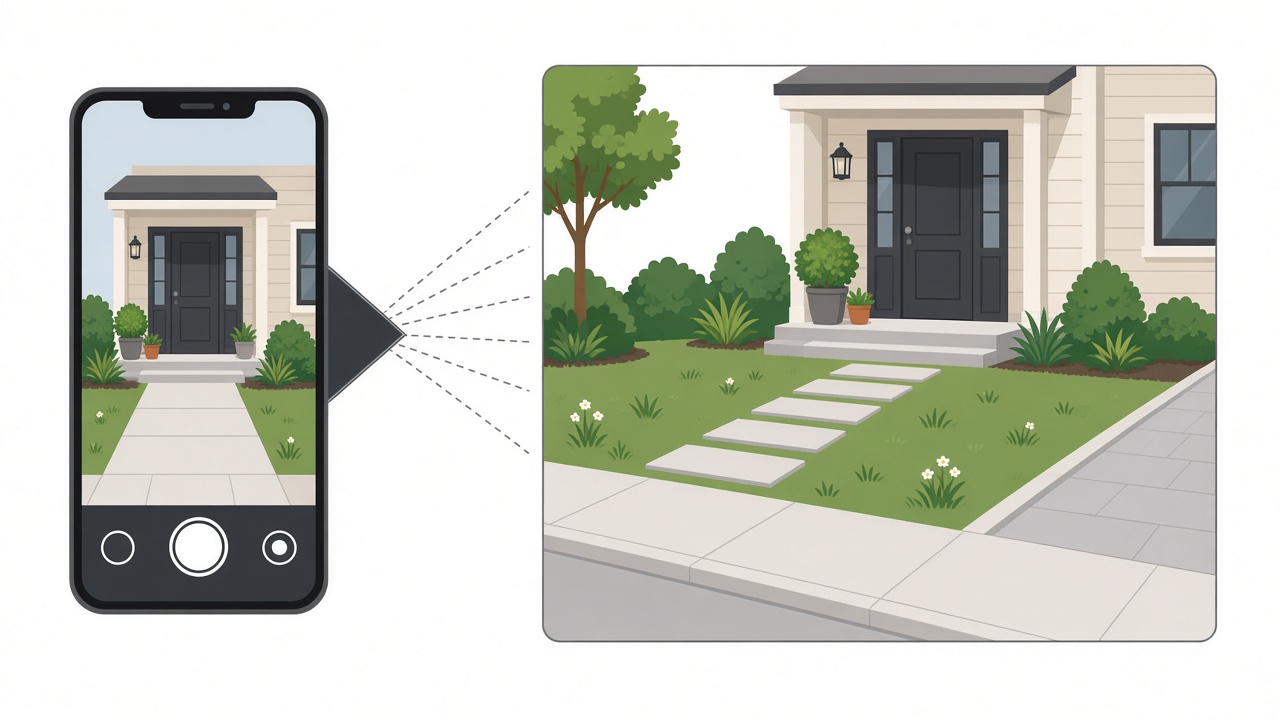
What most DIY front yards benefit from first:
When you are ready to shop—not just scroll—run Best quality for a sheet built for weekend installers:

Include the door, walk, and driveway edge in one frame. Daylight phone photos work.
Pick a curb-appeal preset—or Low-Maintenance if you want fewer weekend chores. Quick preview is built for A/B looks.
Best quality adds numbered plants on your photo plus a DIY table. Add location for climate-fit names.
Confirm plants, drainage, and HOA rules at a nursery or with a pro before you dig.
Try more than one group; most weekend projects compare 2–3 directions first.
Not grading, drainage engineering, permit drawings, or HOA approval. Confirm setbacks, utilities, and plant availability with your nursery, extension office, or contractor before digging or building hardscape.
Yes. Upload a street-facing shot, pick a style, and you usually have a preview in about one to two minutes—enough to compare directions before you buy mulch or plants. Best quality adds a numbered Planning Sheet and DIY list when you want a shopping pass.
The tool works from your photo, so fixed hardscape like the driveway, front walk, and porch typically stay in place. Changes focus on beds, planting, lawn areas, and softscape around those features—not rebuilding your house.
Use Quick preview (1 credit) to compare looks with family or pick a vibe for a weekend refresh. Switch to Best quality (2+ credits) when you want numbered plants on your photo plus a climate-fit DIY list to take to the nursery.
Add your city or region in the generator before you run Best quality. We steer suggestions toward plants and materials that fit that climate; the DIY list uses climate-fit names—not your exact street address on the image.
Stand at the curb or sidewalk: include the front door, windows, walkway, and where the driveway meets the yard. Daylight, in focus, smartphone is fine. Avoid crops that show only lawn with no facade.
Yes. Choose Low-Maintenance Curb Appeal or a regional style, then add a short note such as "less lawn, mulch beds, easy shrubs." Regenerate or fine-tune until the layout matches how much upkeep you want on weekends.
Front Yard focuses on planting, paths, lawn, and beds that frame the home. Exterior focuses on paint, cladding, porch details, doors, and roof color on the same structure. Many DIYers do exterior first, then match the yard—or the other way around.
No. It is an early visual and optional shopping list for homeowners—not engineered grading, drainage, setback, or HOA approval documents. Confirm structure, utilities, and codes with local pros before digging or building hardscape.
You can explore the tool without paying. Sign in to run generations; new accounts receive 2 free credits (~one Best Planning Sheet at 1K or two Quick previews). The button shows the cost for your quality and resolution.
Yes. Download the image or PDF on Best quality and share it as a "this direction" brief. It saves back-and-forth compared to describing ideas from scratch, though your contractor still verifies dimensions, drainage, and plant availability locally.