
Quick Edits
One fix from your photo.
You choose what to change — we edit your photo.
Quick AI photo edits — one change at a time, not a full redesign. One credit, about a minute. Same account as our design tools.
Outdoor Refresh
Refresh your front yard lawn and planting in a photo — house, driveway, and paths stay the same.
Try it →Backyard & Patio Edit
Tidy up lawn, plants, and outdoor furniture in your photo — deck, patio, and fence stay the same.
Try it →Remove Objects from Photo
Tell us what to remove — trash bins, cars, hoses, or personal items. We only remove what you ask; no redesign.
Try it →Virtual Staging
Pick a staging style — we add furniture and decor to your room photo. Walls and windows stay the same. 1 credit, not a full redesign.
Try it →Declutter Room
Remove clutter or furniture from your room photo — walls, windows, and doors stay the same.
Try it →House Paint Colors
Preview new wall and trim colors on your house photo — roof, windows, and yard stay the same.
Try it →See what you can edit
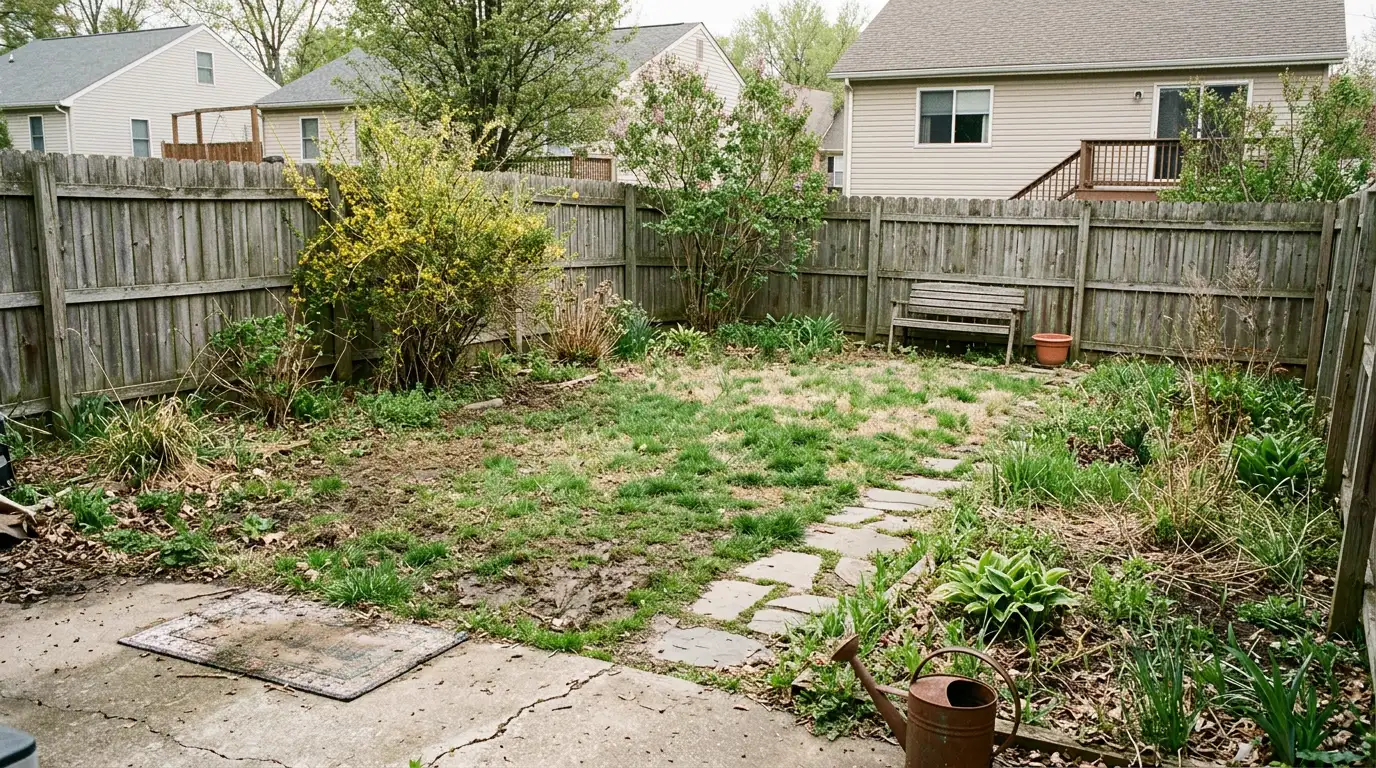
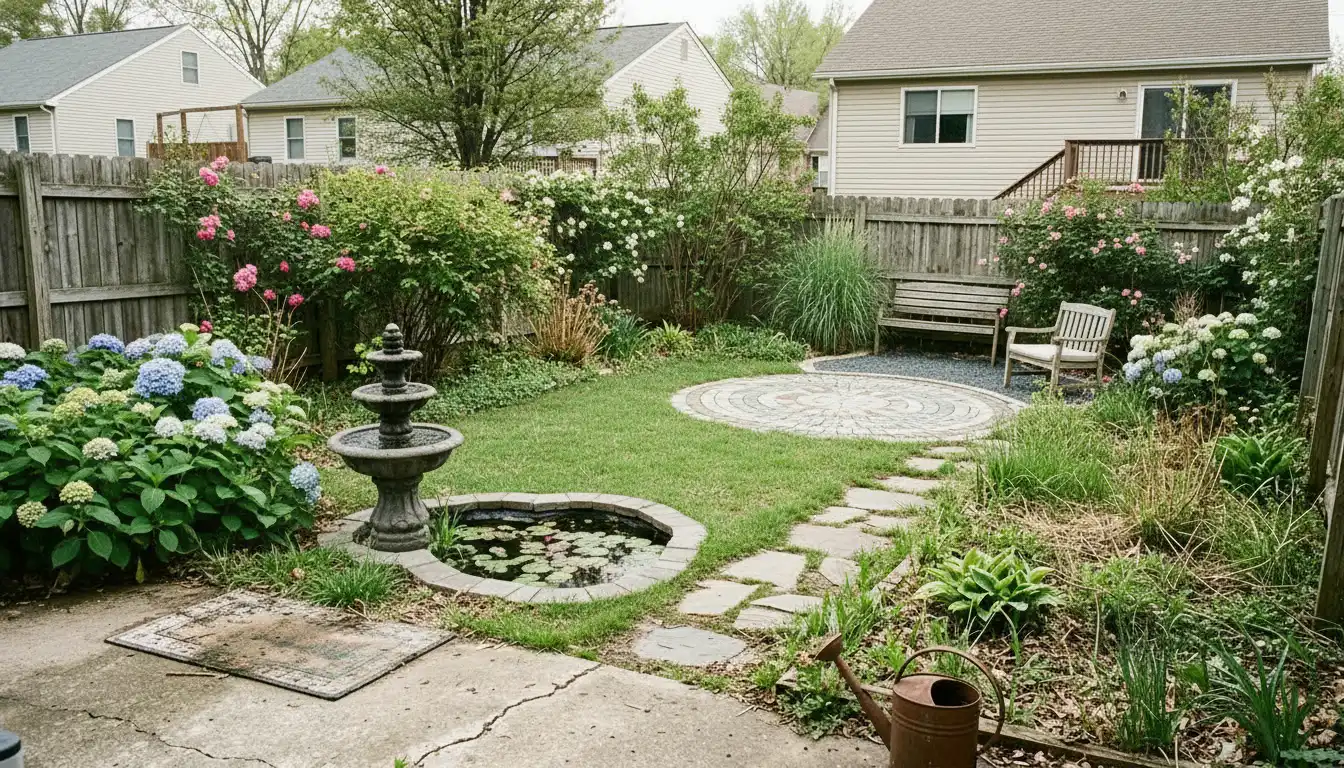
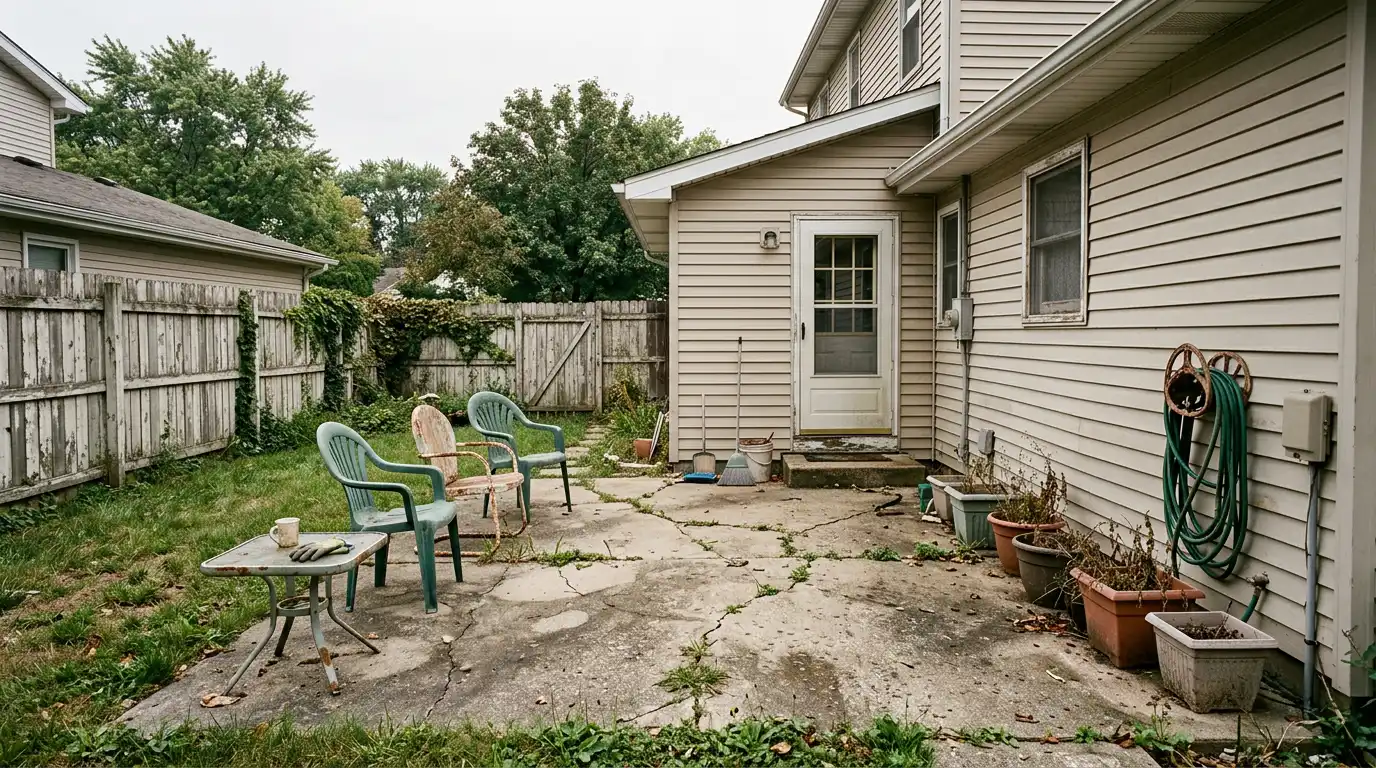
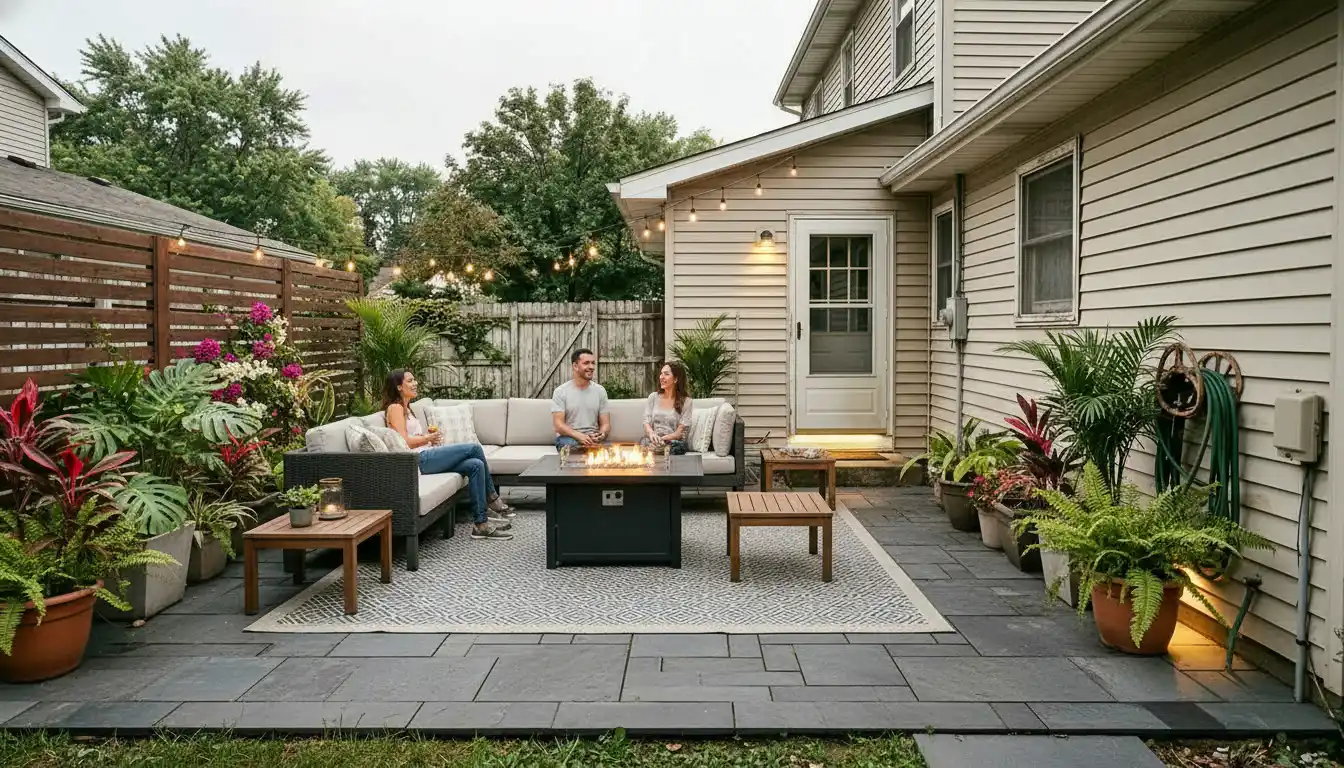


How Quick Edits work
- Upload your room or yard photo.
- Describe what to change in your own words — or tap a popular edit to fill common instructions.
- Apply the edit — one photorealistic image in about a minute for 1 credit.
Quick Edit vs Full Design
Quick Edits are photo edits you direct — one change at a time, one image, not a full redesign. Full design tools on our AI Home Design hub are for whole-room or whole-yard makeovers where AI proposes a complete design with style options and (on Best quality) a printable plant list and layout plan.
FAQs
- What is a Quick Edit?
- A Quick Edit is a quick photo edit you choose — virtual staging, front yard, backyard, declutter, remove objects, or paint colors — for 1 credit. You pick the type of change and can add your own instructions. We edit your photo; we do not produce a full redesign.
- Do Quick Edits use the same credits as full design tools?
- Yes. One account and one credit balance work across Quick Edits and all full design tools on AI Yard Design Studio.
- When should I use a full design tool instead?
- Use a full design tool when you want AI to propose a complete redesign with style grids, optional elements, and (on Best quality) a printable plant list and layout plan.
- How is this different from Fine-tune?
- Quick Edits start from your original photo with a clear purpose (stage a room, tidy a yard, remove objects, and so on). Fine-tune adjusts a result you already generated in a full design tool.
- Can I try a different edit on the same photo?
- Yes — change the preset, update your note, and apply again (1 credit per run). Each run is an independent photo edit from your upload.
Need a full room or yard redesign with a plant list? Browse full design tools →