
Remove Clutter from Your Property Photo
Tell us what to remove — trash bins, cars, hoses, or personal items. We only remove what you ask; no redesign.
Upload Photo
Drag & drop your photo here or
Use a clear property photo (yard, exterior, or room). Describe exactly what to remove.
Your instructions
Popular edits
1 credit · quick photo edit · usually under a minute
Your Edited Photo
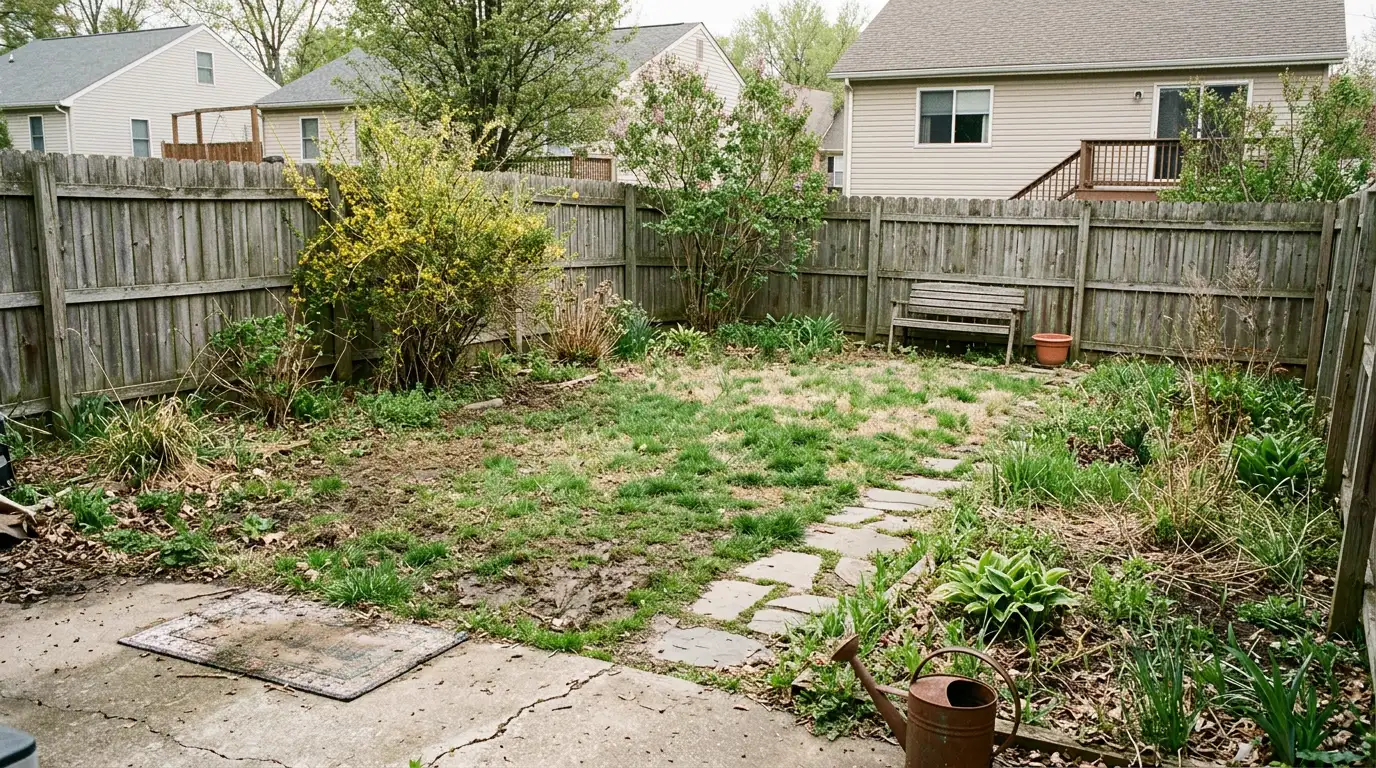
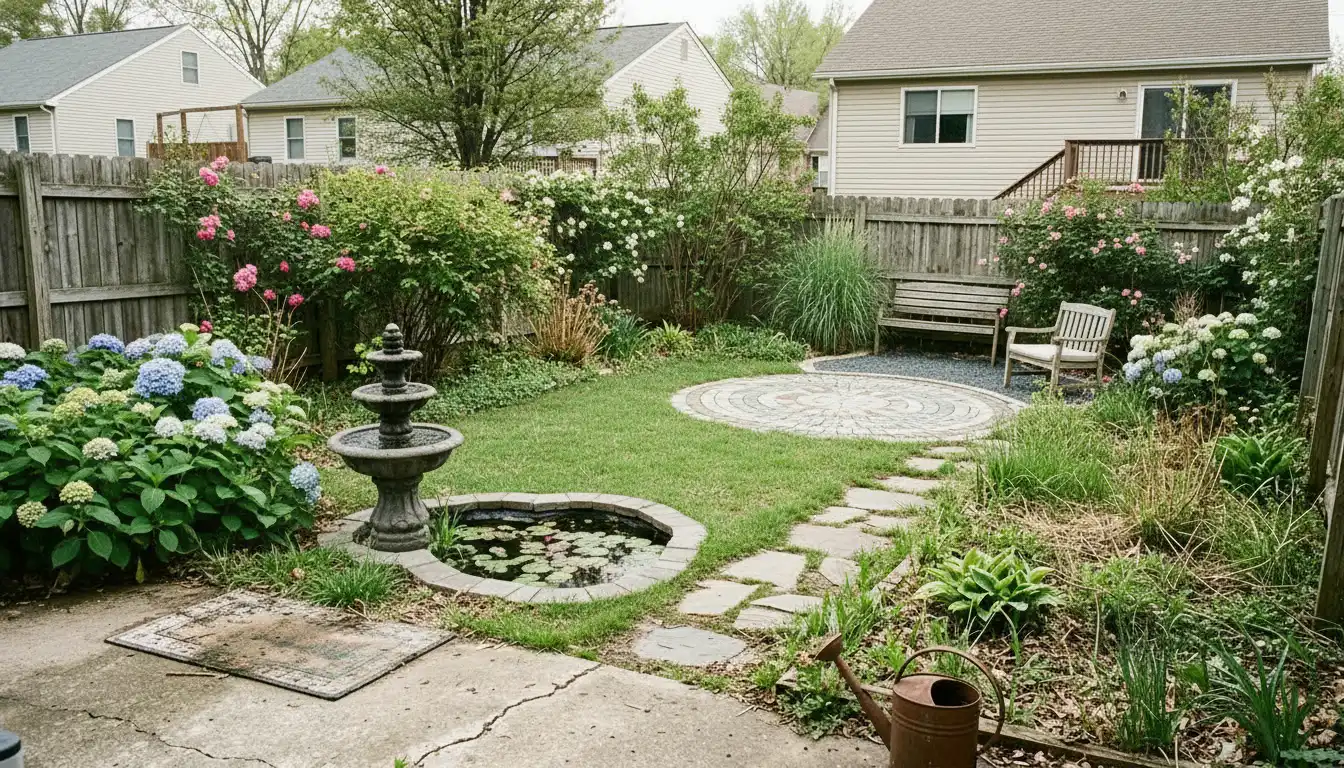
Upload a photo, describe your edit, and apply it here.
When to use the full outdoor generator instead
Object removal is a 1-credit cleanup. For curb appeal presets and a Best Planning Sheet with numbered plants, use the AI Front Yard generator or the outdoor tool picker.
Remove objects from property photos with AI
Sellers, agents, and homeowners use this to remove distracting objects before publishing photos — trash bins, hoses, cars, personal items, and clutter.
Describe what to remove in the note field. We edit your original photo — 1 credit, about a minute.
Need staging, decluttering, or a full redesign? Browse Quick Edits or our AI Home Design tools.
FAQs
- What does Remove Objects from Photo do?
- You describe what to remove — we clean up your property photo by removing clutter, bins, cars, or personal items. We only remove what you ask; this is not a full redesign.
- How is this different from Declutter Room?
- Declutter removes furniture and decor from an interior room. Remove Objects removes specific items you name — indoors or outdoors — without emptying the whole space.
- Can I remove multiple things at once?
- Yes — describe all items in one note (e.g. remove bins, hose, and car). One cleanup task per run works best.
- How many credits?
- Each cleanup edit costs 1 credit.