
AI Backyard Design Generator
Built for how you actually use the yard—dining, play, pets, fire pit, and more. Choose a function, add location (recommended), then generate. Sign in to use credits.
1. Upload Your Backyard Photo
Drag & drop your photo here or
JPG, PNG or HEIC • Max 20MB • PDF not supported
2. Choose Backyard Function & Style
One primary city or region works best. We use it for climate-appropriate plants and your DIY list language—shown as a climate zone, not a place name.
Transformation level
How much should the AI change your yard? House and camera angle stay the same.
Quality
Sharper renders with three cards: clean design, item markers, and a localized DIY plan list (plants, paths, water features, edging). 2K/4K helps legibility; may take longer.
Your AI-Generated Landscape Design
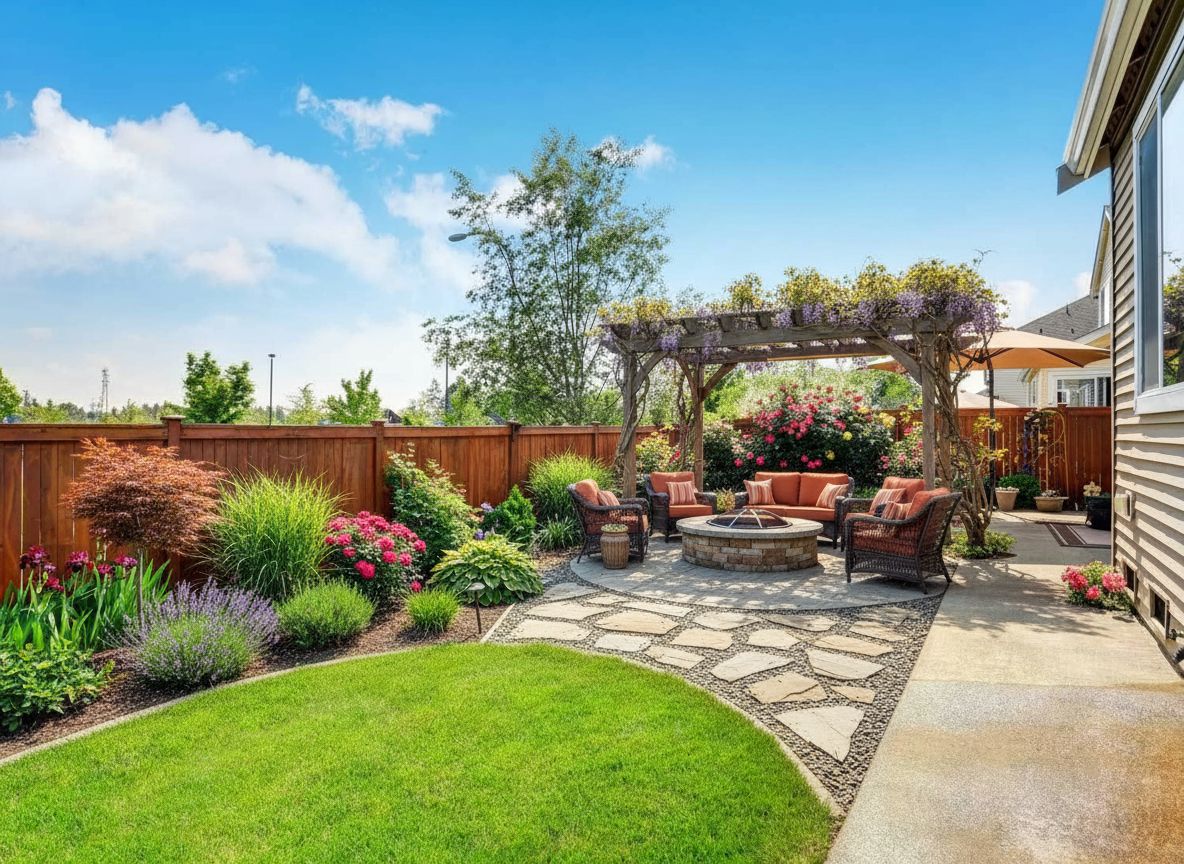
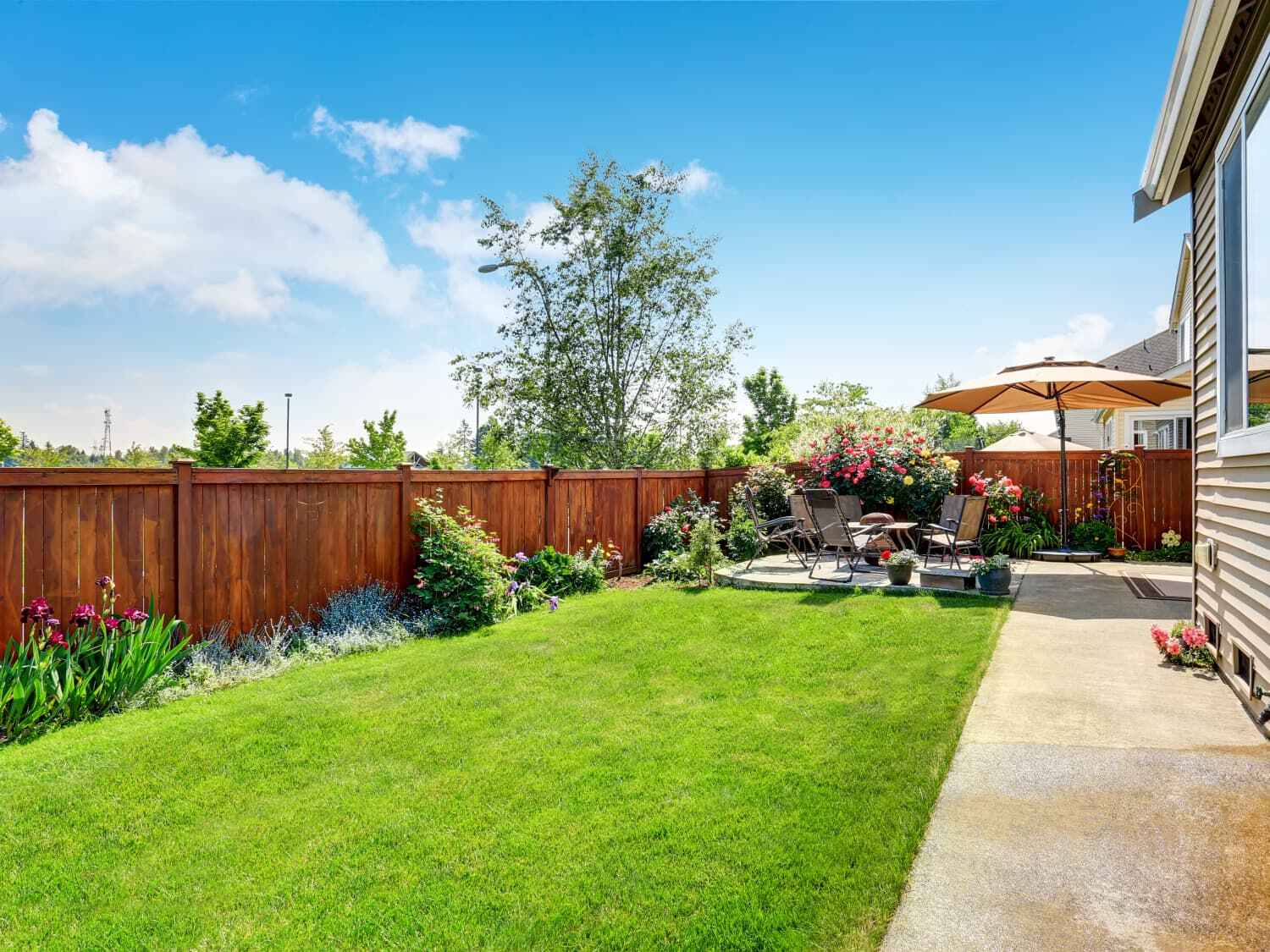 Before
After (Quick preview · FirePit & Gathering)
Before
After (Quick preview · FirePit & Gathering)

Try Sample Images
No photo handy? Pick a sample below to preview the tool.
Ready to Generate
Upload your photo or try a sample image below
Also redesigning indoor spaces?
Try our AI Interior Design tool for living rooms, bedrooms, kitchens, and more.
Upload a photo of your backyard, pick the main function for your space, and get a professional AI-generated design in minutes. Free to start.
On the generator above, add your location (optional, recommended) so planting and materials lean climate-appropriate for your area.
What you get
Your backyard works best when the layout matches how you actually use it—outdoor dining, play, privacy, pets, and more. Upload a photo, choose a function, and add your location (recommended): in about 1–2 minutes you get a high-resolution image you can download. When you include a location, planting and hardscape suggestions are steered toward plants and materials that fit that climate. Next, share the render with a landscaper or try another function to explore options.
How It Works
Upload Photo
Take or upload a clear photo of your backyard from any angle. Our AI will analyze the space and understand your current layout.
Choose Function
Select from 15 functional options like relaxation space, outdoor dining, fire pit, play area, or create a multi-purpose backyard design.
Get AI Design
Our AI generates a professional backyard design in 1-2 minutes, showing you exactly how your transformed space will look.
Download & Implement
Download high-resolution design images and use them as a blueprint for your backyard transformation project.
What You Can Design
- Relaxation Space
- Outdoor Dining
- Fire Pit & Gathering
- Play Area
- Gardening Space
- Pet-Friendly Zone
- Entertainment Area
- Wellness & Spa
- Outdoor Theater
- Yoga & Meditation
- Multi-Purpose Flex
- Sustainable Living
FAQ
- Is it free?
- Yes. You get free credits to start. No credit card required to try our AI backyard design tool.
- Do I need to create an account?
- You can explore without an account. Sign up when you're ready to save and download your backyard designs.
- How long does it take to get a design?
- Usually 1–2 minutes after you upload a photo and choose your backyard function.
- What photo quality do I need?
- Any clear photo works—from your smartphone is fine. Make sure the backyard area is visible and well-lit for best results.
- Can I modify the design after generation?
- Yes, you can regenerate with a different function, or use our customization tools to fine-tune elements like plants, materials, and features.
- How accurate are the AI designs?
- Our AI designs are based on professional landscape architecture principles and show realistic transformations. They serve as excellent visual guides for your actual backyard project.
- Do I need design experience?
- No design experience needed. Our AI handles all the complex design work—you just choose what you want and get professional results.
- What file formats can I download?
- You can download high-resolution images in standard formats suitable for sharing with contractors, printing, or saving for reference.
Also try: AI Front Yard Design | AI Side Yard Design
AI Yard Design Generator — choose any area type