
AI Exterior House Design Generator
Facade finishes on your photo—same structure, new paint & cladding. Best adds a materials brief.
1 Upload elevation 2 Pick style 3 Quick or Best
1. Upload Your House Exterior Photo
Front or side elevation: walls, roof, and door in one frame.
Drag & drop your photo here or
JPG, PNG or HEIC • Max 20MB • PDF not supported
2. Choose Exterior Style & Options
One primary city or region works best. We use it for climate-fit exterior materials and your materials-brief language—shown as a climate note, not a place name.
Quality
Sharper renders with a 3-part facade sheet: clean exterior hero, six unique material callouts (1–6), and a Finish | Where | Spec materials brief. 2K/4K helps legibility; may take longer.
Your AI Exterior House Design

 Before
After (Quick preview · Modern Minimalist)
Before
After (Quick preview · Modern Minimalist)

Try Sample Images
No facade photo handy? Pick a house sample below to preview the tool.
Ready to Generate
Upload your photo or try a sample image below
Also redesigning indoor spaces?
Try our AI Interior Design tool for living rooms, bedrooms, kitchens, and more.
Quick facts
Facade makeover on your photo—Quick to compare styles, Best for a numbered materials brief (not a plant list).
This exterior generator is a facade finish makeover—not landscaping or a rebuild: upload one clear front or side elevation and compare 16 style presets for paint, cladding, trim, porch, doors, and roof tone while keeping massing and openings. Quick preview (1 credit) compares directions fast; Best quality (2+ credits) adds a three-part facade sheet with six numbered material callouts and a Finish | Where | Spec materials brief for painters and contractors—not a plant list. Sign in for 2 free credits. For a single paint-color tweak use Quick Edit exterior paint; for planting use Front Yard; for parks use AI Landscape.
Common use cases
Tap a card to jump back to the tool.
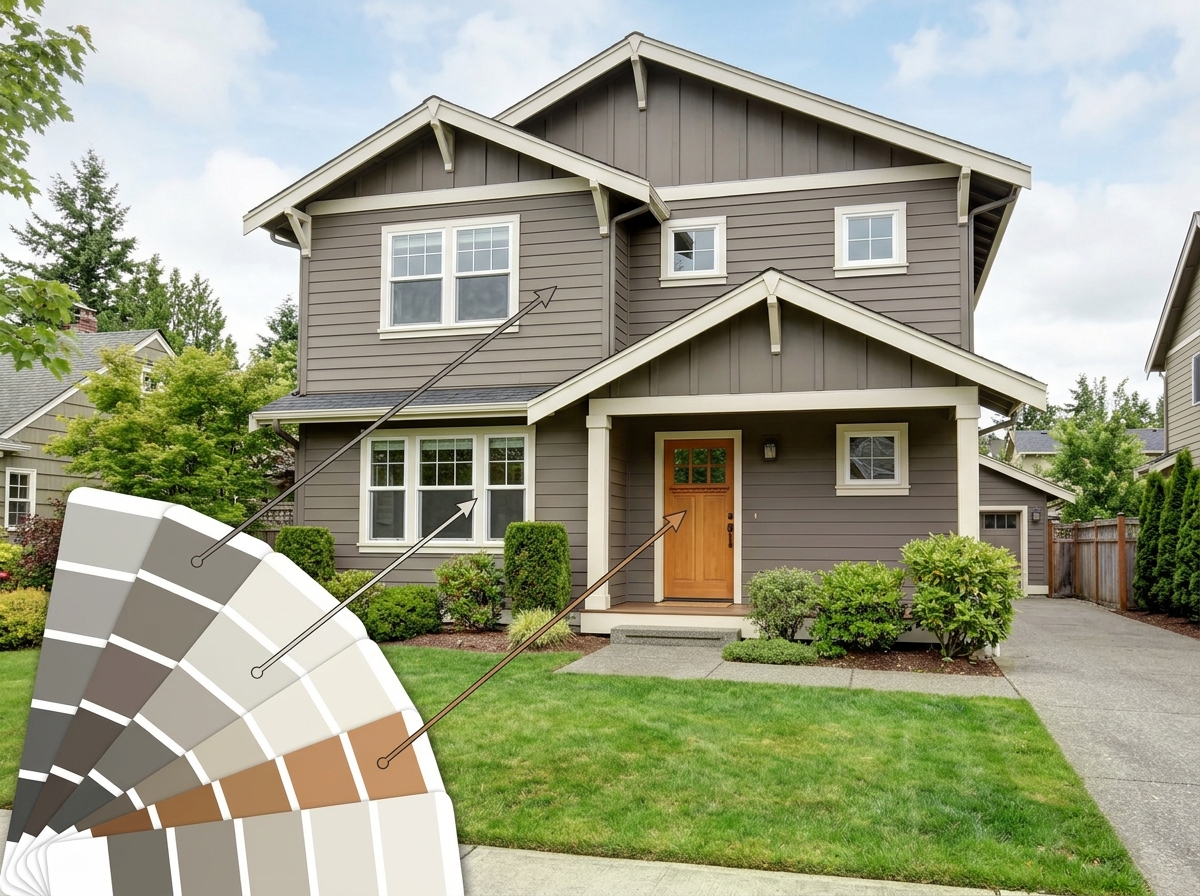
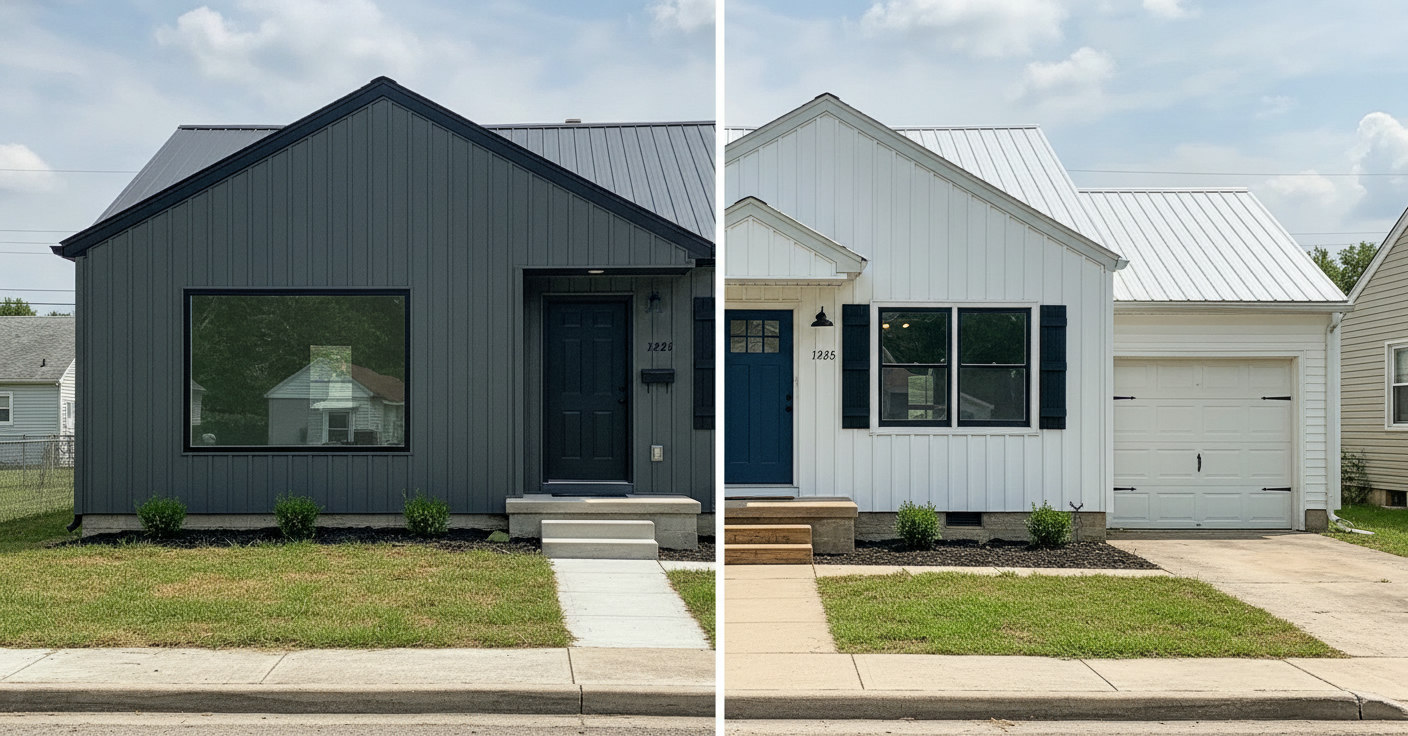
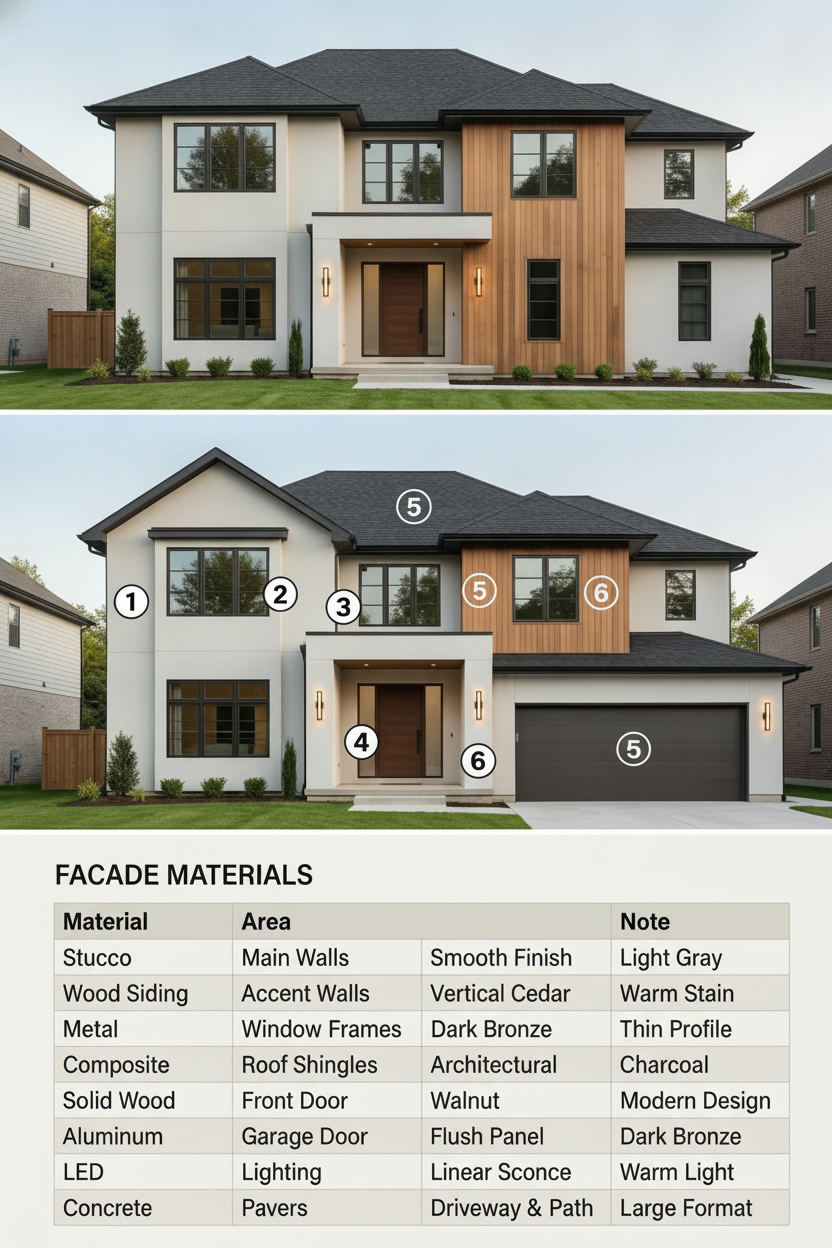
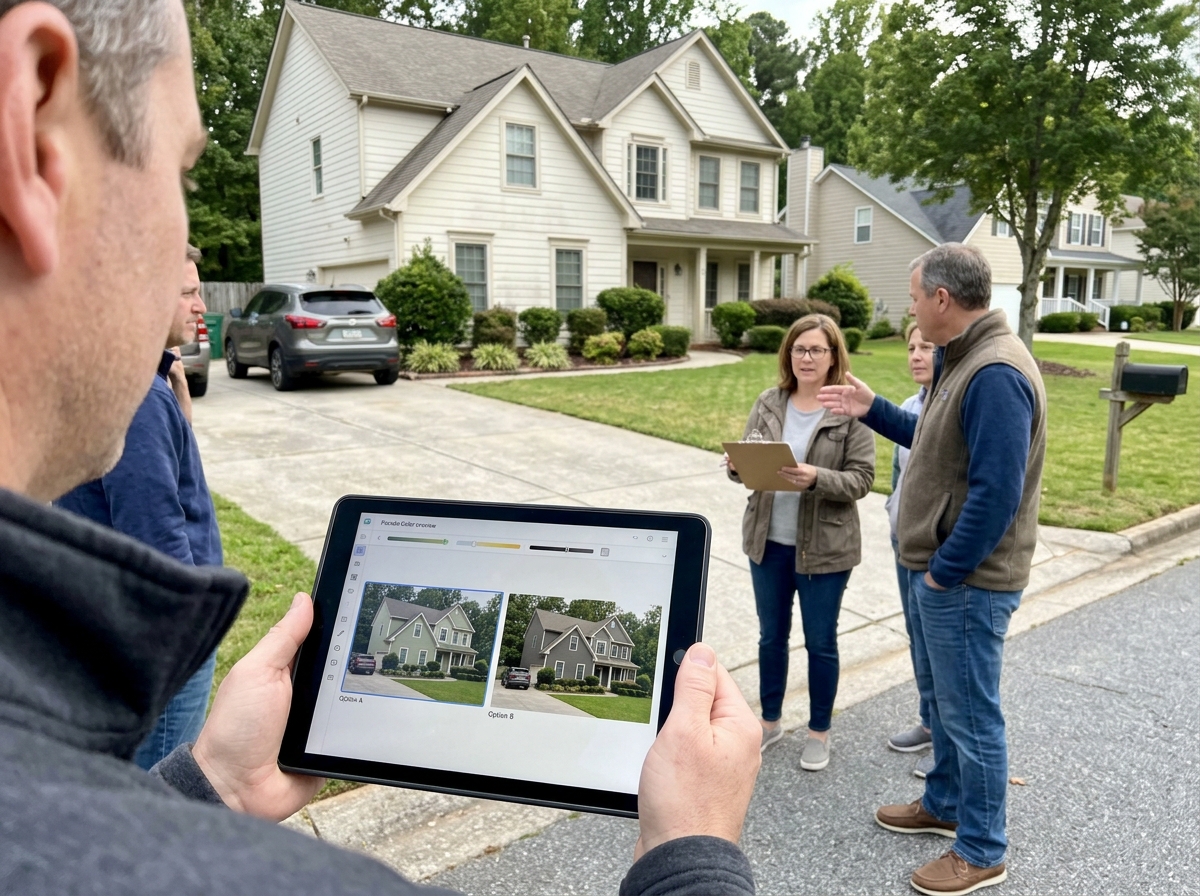
Photo tip
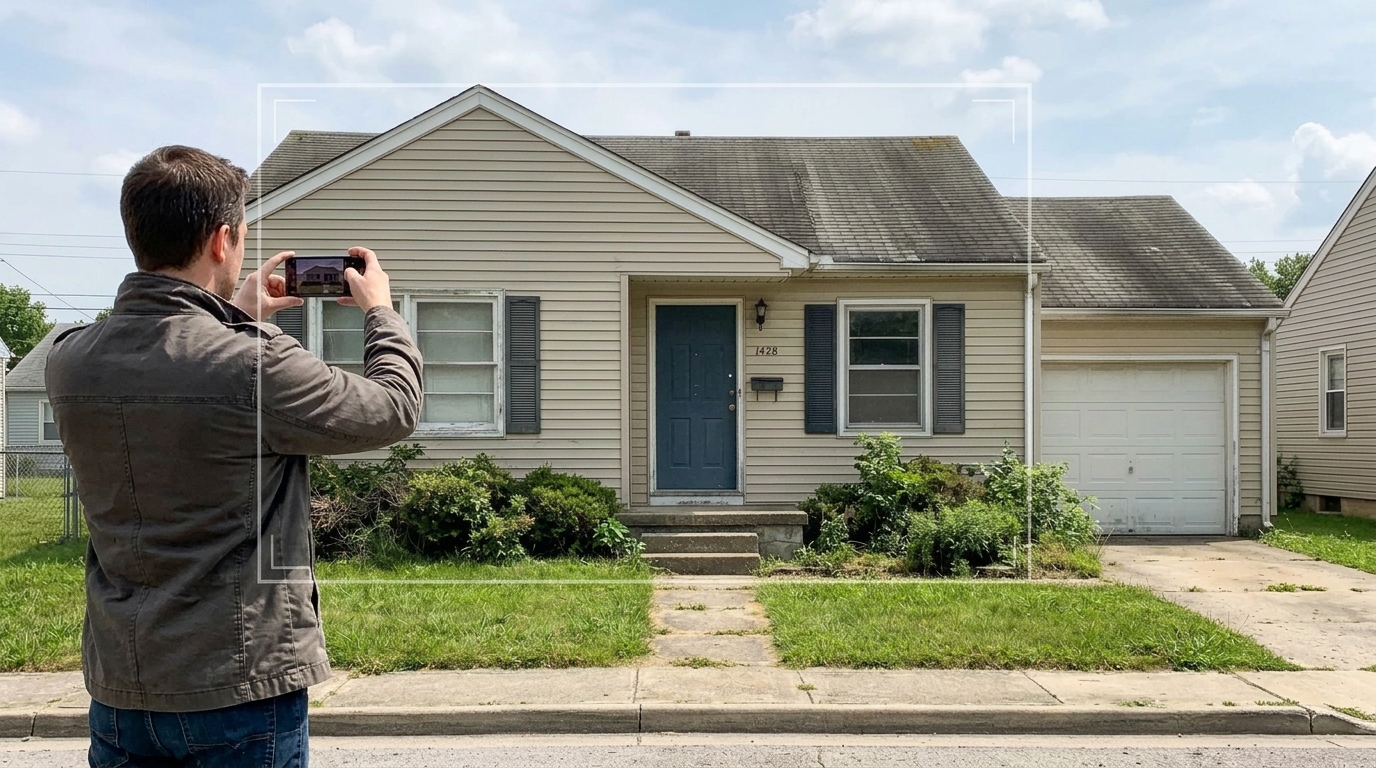
One elevation shot beats a lawn close-up.
Do
- Full facade width
- Walls + roof + door
- Daylight, in focus
Skip
- Lawn-only crop
- All-day deep shade
- House too small in frame
Which tool?
Pick the smallest tool that fits the job.
Weekend order
- Two Quick presets, then Best
- Add city on Best for climate notes
- Brief in hand before ordering paint
- Then Front Yard if planting should match
Best materials brief
Three parts on one sheet:
- Clean facade hero
- Six numbered finish callouts
- Finish | Where | Spec table
Best quality (default): one tall image with three parts—your exterior, six unique material callouts (1–6), and a Finish | Where | Spec materials brief.
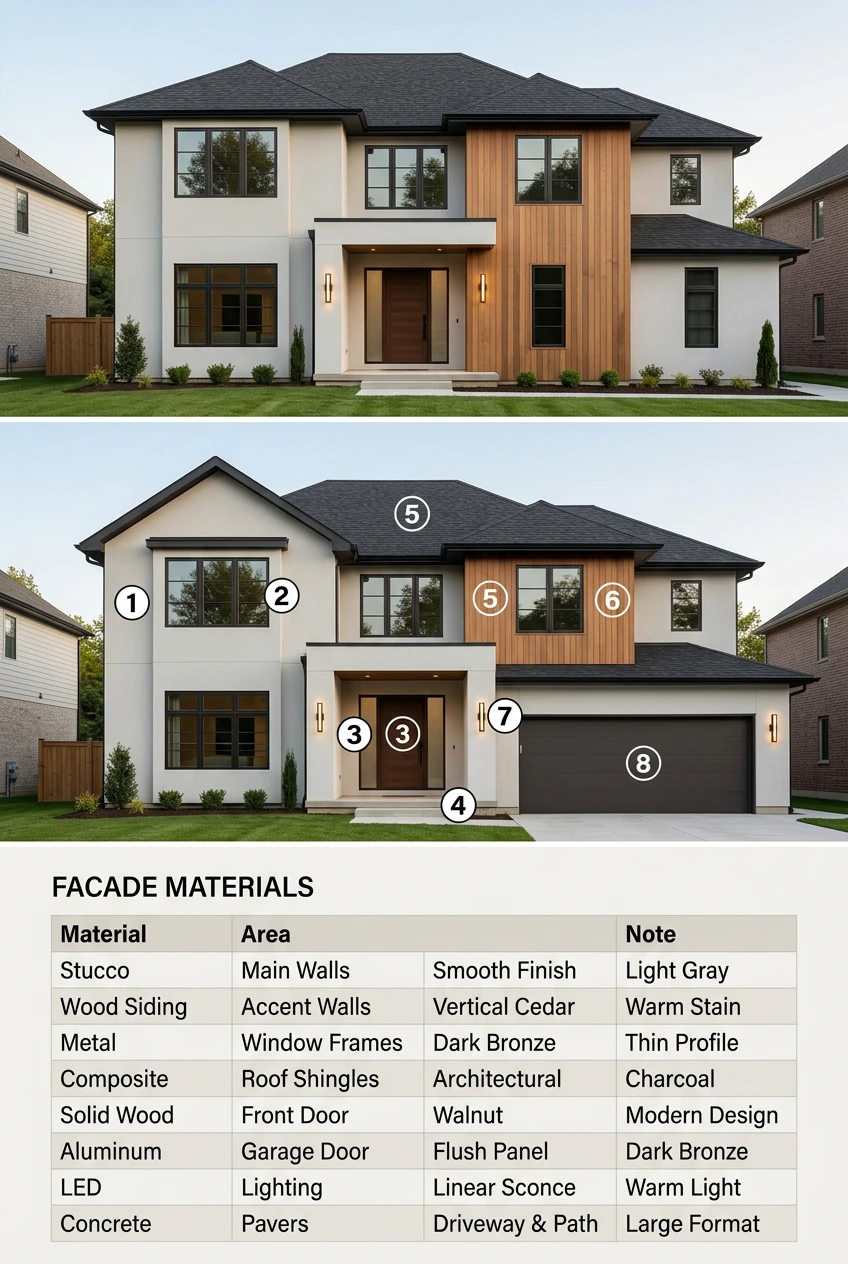
- Your exterior — Final facade look, no numbers
- Material numbers — Same view; six unique circles on wall, accent, trim, door, porch, roof
- Facade materials brief — Finish, where it applies, and short climate-aware specs for painters or contractors
- Sample image labels are in English; your Best export follows your account language and location.
16 style presets — Show all preset groups
Grouped in the tool—expand to browse names.
Modern & contemporary
- Modern Minimalist
- Contemporary Dark
- Mid-Century Modern
- Scandinavian Light
- Industrial Metal
Classic American
- American Farmhouse
- Modern Farmhouse
- Craftsman
- Classic Colonial
- Cape Cod
Character & regional
- Coastal Casual
- Mediterranean
- Tudor
- Victorian
- Southwestern
Ranch & refresh
- Ranch Refresh
Planting is separate → Front Yard
Not included
No structural rebuild, moisture repair, permits, or paint brand codes—visual planning only.
FAQ — exterior
Can I plan exterior paint and siding from one photo on a weekend?
Yes. Upload a clear facade photo, pick a style, and you usually get a preview in about one to two minutes—enough to compare two directions before you buy swatches or call a painter. Best quality adds a materials brief when you need a contractor-ready summary.
Quick preview or Best quality for exterior?
Quick (1 credit) to compare styles with family or an HOA board. Best (2+ credits) when you want numbered callouts on the photo and a Finish | Where | Spec materials brief—not a nursery plant list.
Exterior vs Quick Edit paint vs Front Yard—which tool?
Use Quick Edit exterior paint for a single color tweak (1 credit). Use this Exterior tool for whole-facade style presets and a materials brief. Use Front Yard for planting, paths, and lawn—not wall cladding.
Will AI rebuild my roof or move my windows?
No—makeover mode keeps massing, roof silhouette, and window/door openings. Finishes, porch details, and colors change. Results vary by photo; add notes if something looks structural and regenerate.
Can I use this for HOA / ARC paint approval?
Use Best exports as visual Option A/B attachments with your community palette and physical swatches. We do not file paperwork—follow your HOA template and confirm exact manufacturer colors locally.
Does Best quality include Sherwin-Williams or Benjamin Moore codes?
The brief describes finish categories and specs for discussion—not guaranteed brand color codes. Match swatches at the store or use your HOA-approved palette for final approval.
What photo works best?
Front or side elevation in daylight: walls, roof, and entry together. Avoid tight lawn-only crops, heavy shade across the whole facade, or photos where the house is tiny in frame.
What does location do for exterior?
Your city steers climate-fit material notes in the Best brief (UV, moisture, freeze-thaw). We show a climate context—not your street address on the image.
Does this replace a contractor, engineer, or moisture inspection?
No. Visual planning only— not sheathing repair, flashing design, structural changes, or permits. Fix moisture and rot before cosmetic siding or paint.
Is it free to try?
Explore without paying. Sign in to generate; new accounts get 2 free credits (~one Best sheet at 1K or two Quick previews). The button shows cost for your settings.